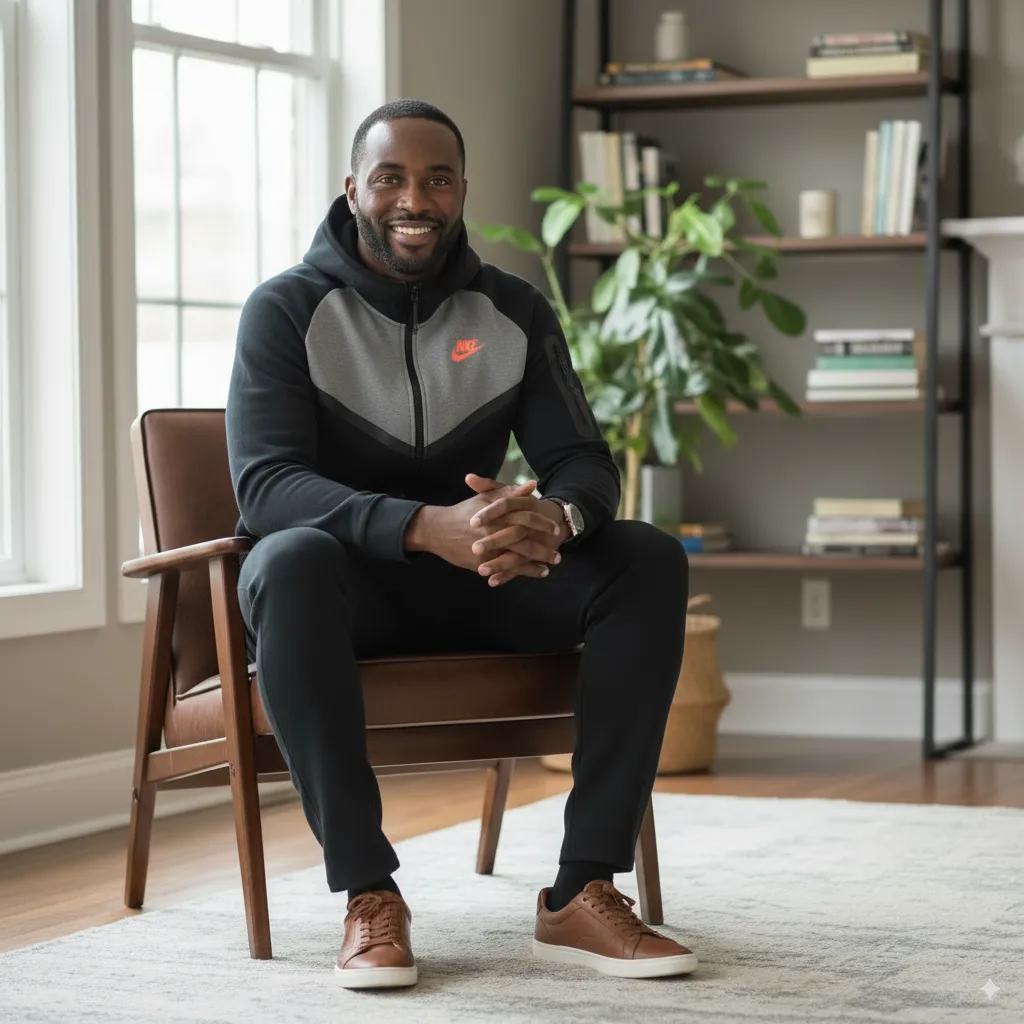
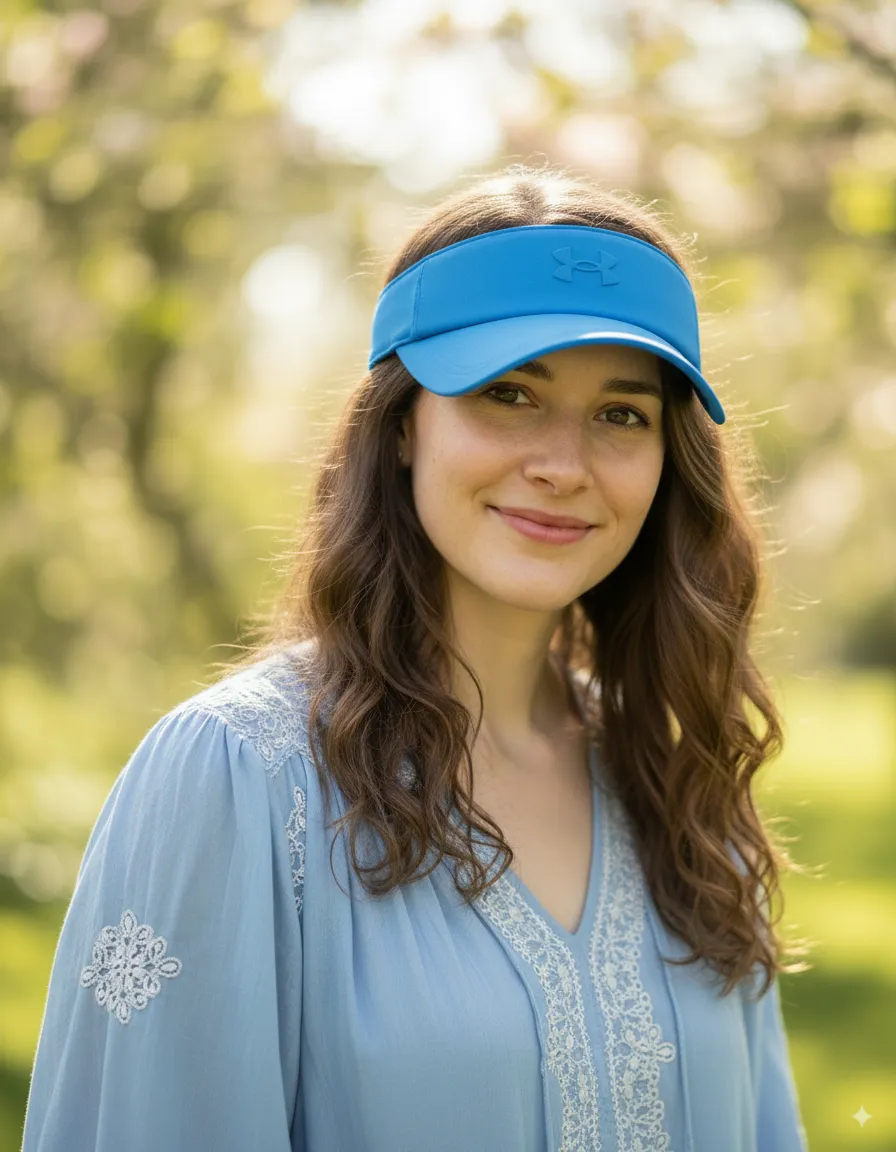
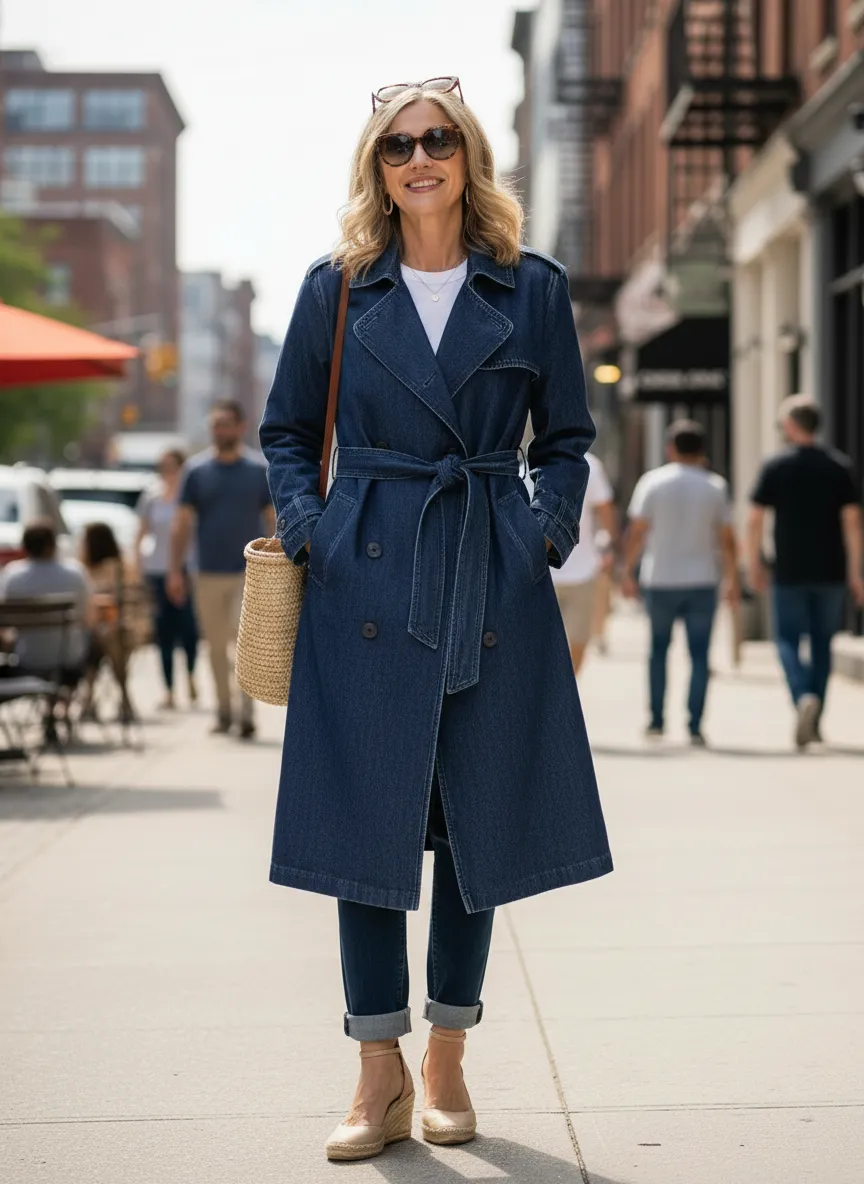
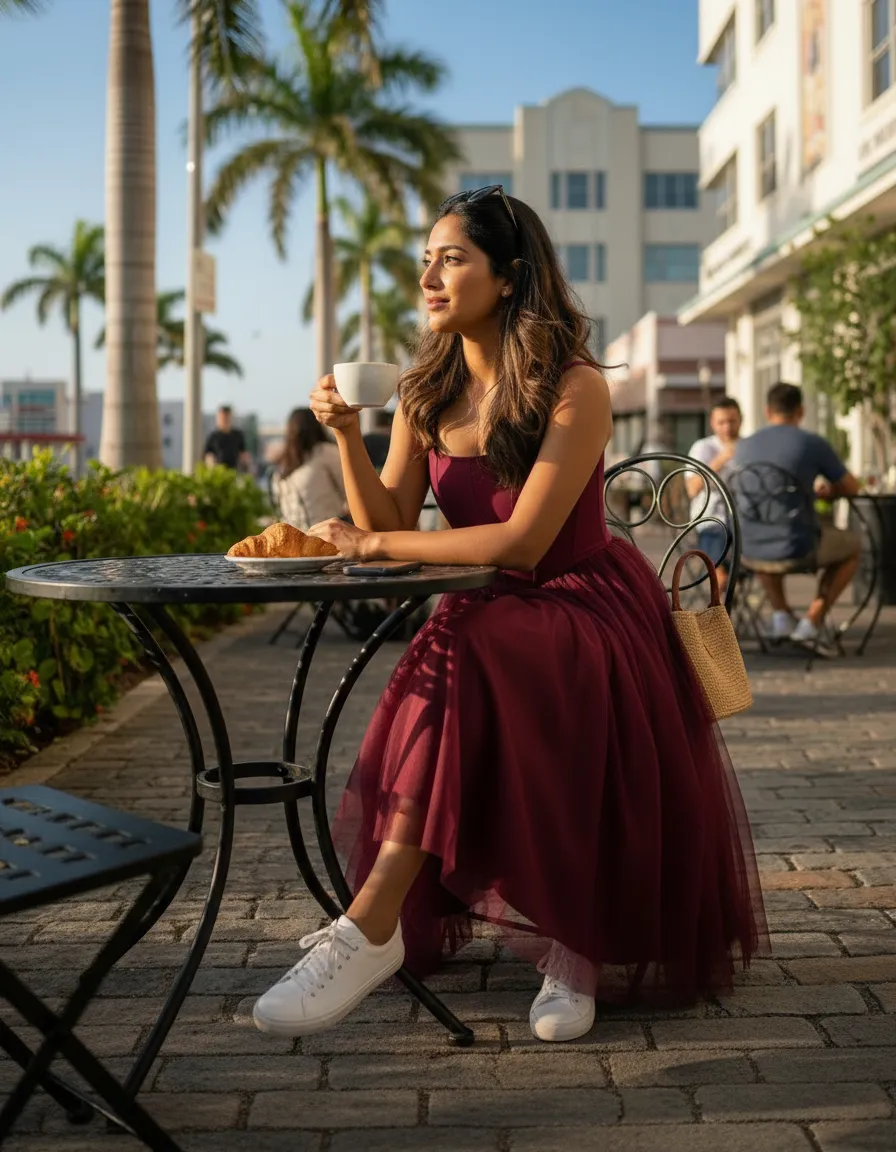
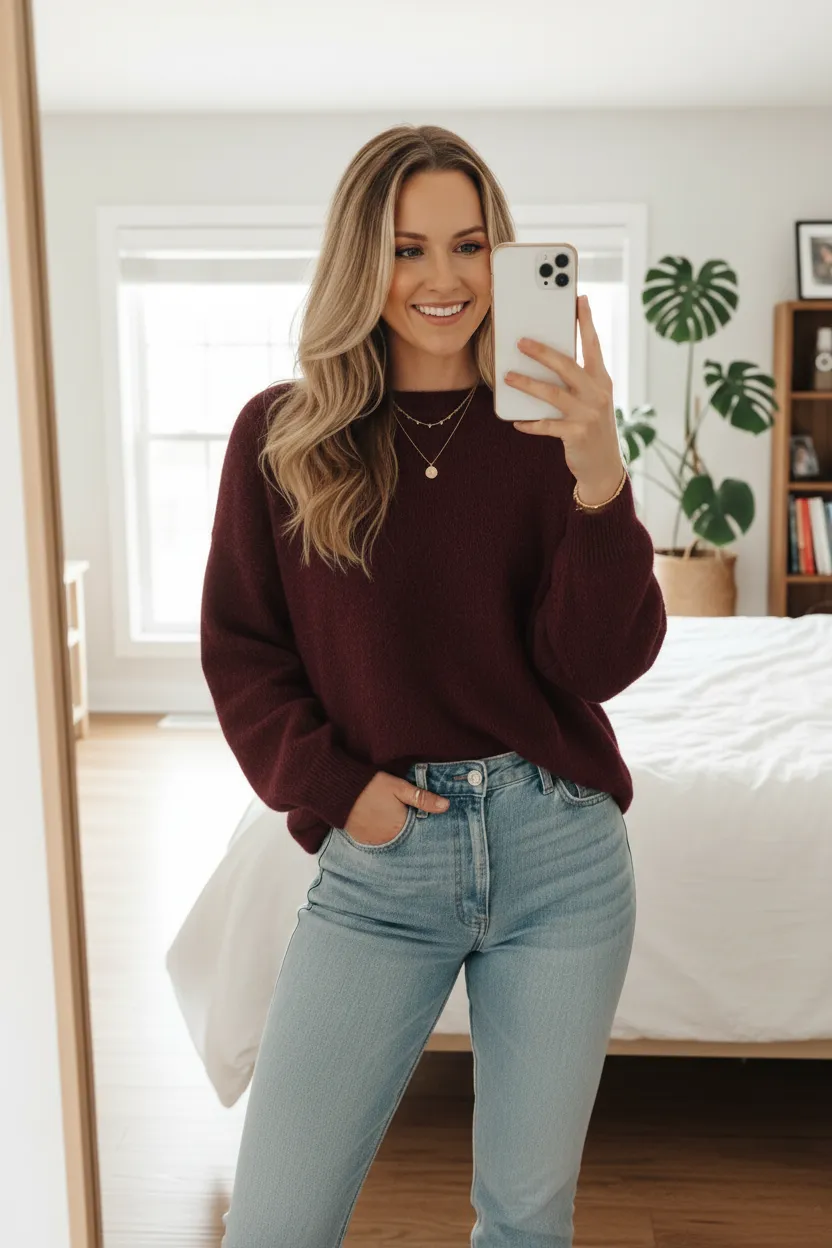
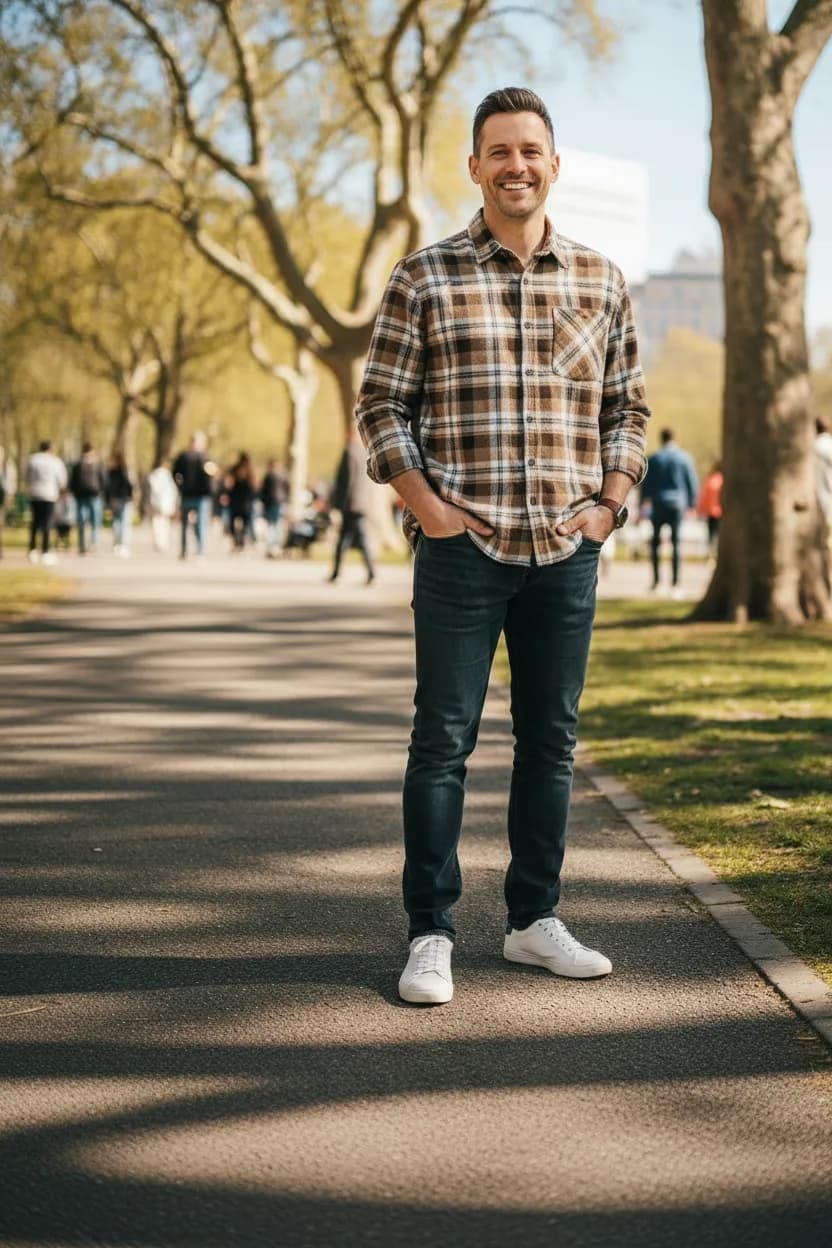
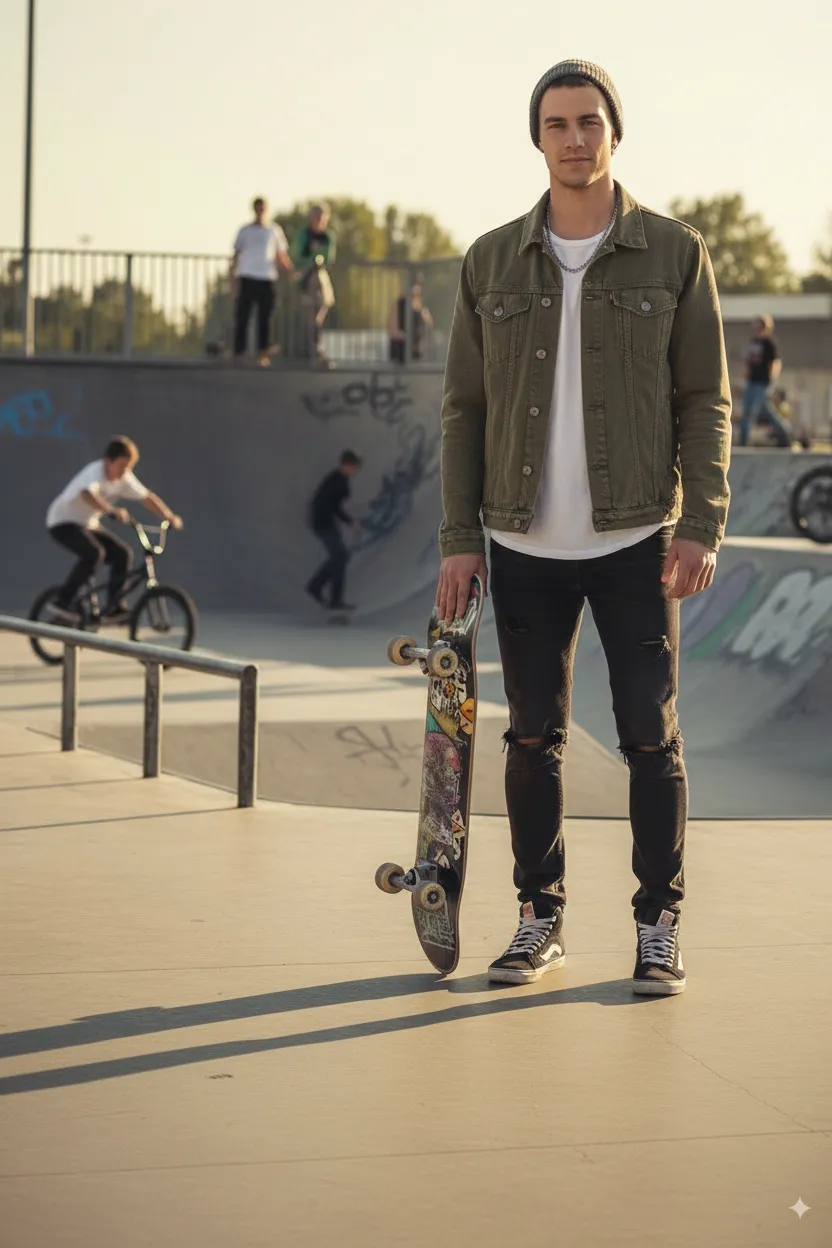
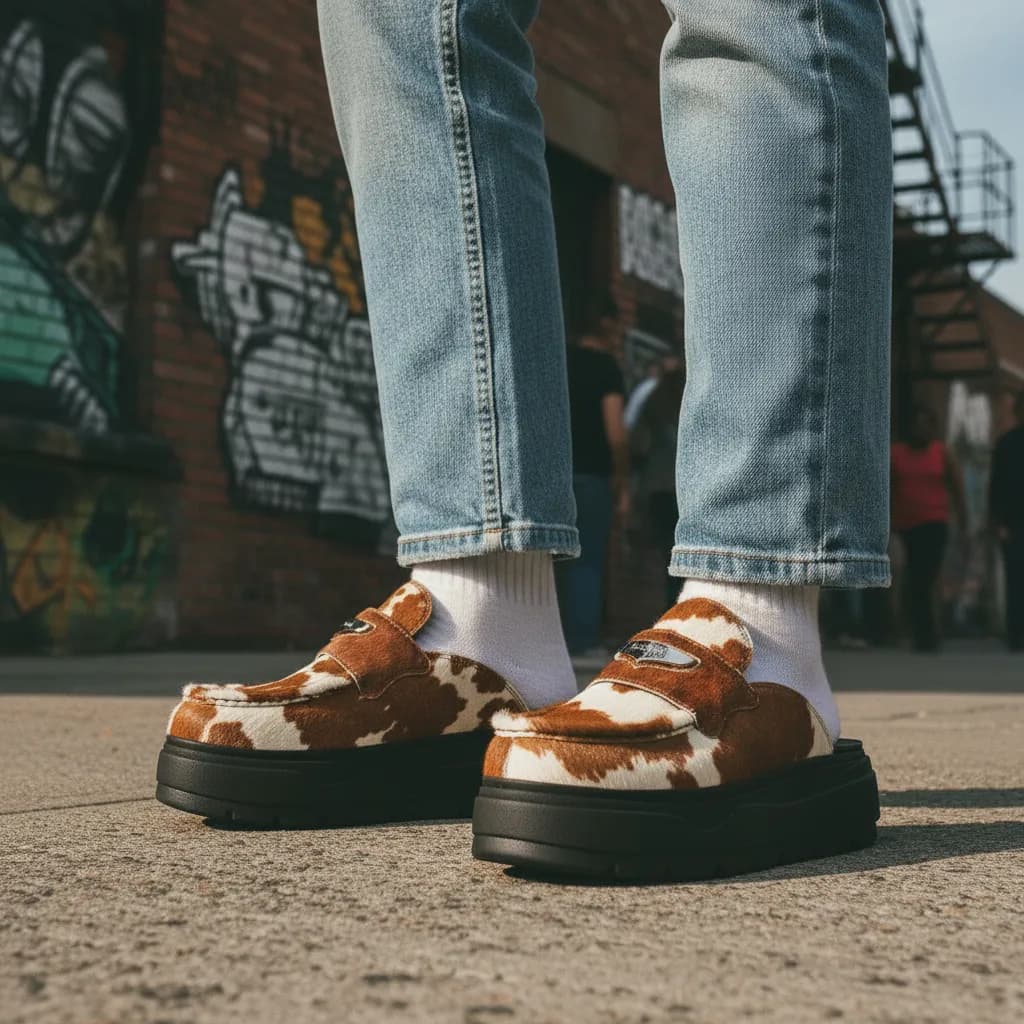
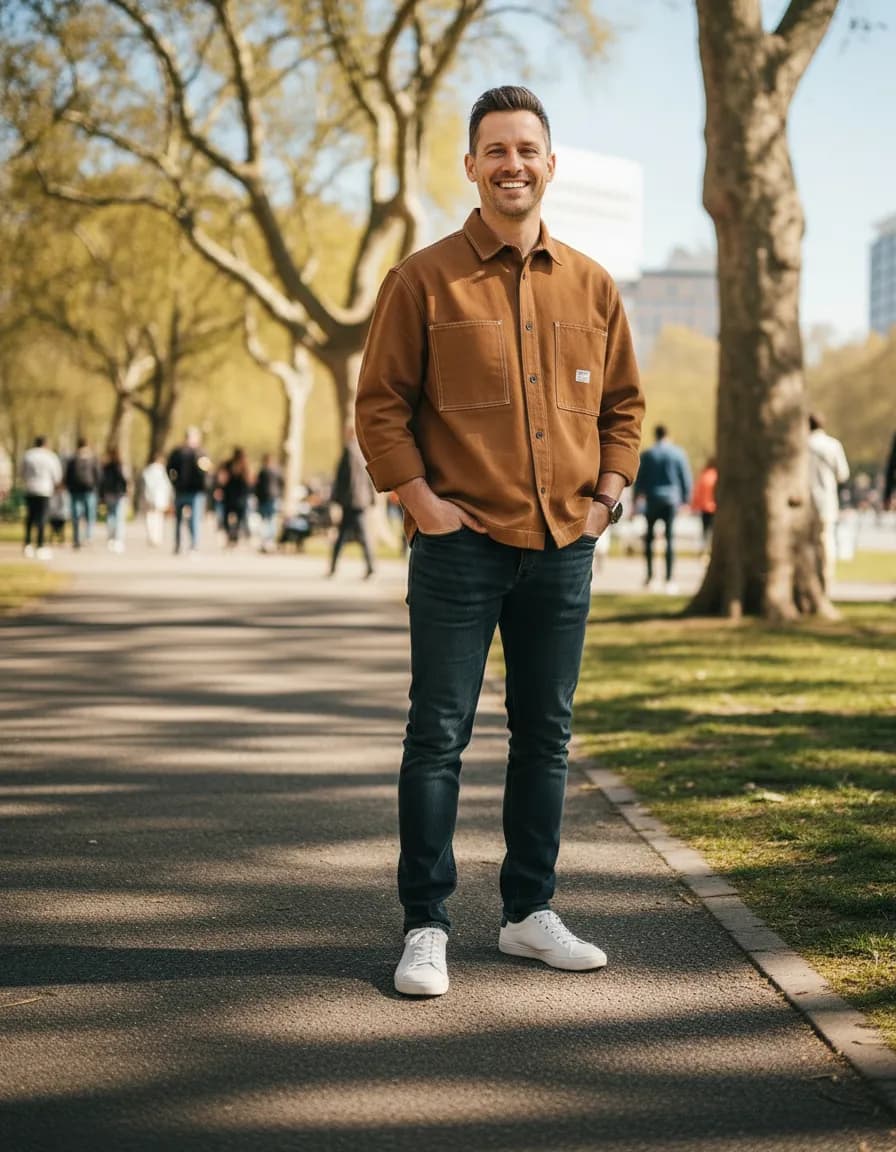
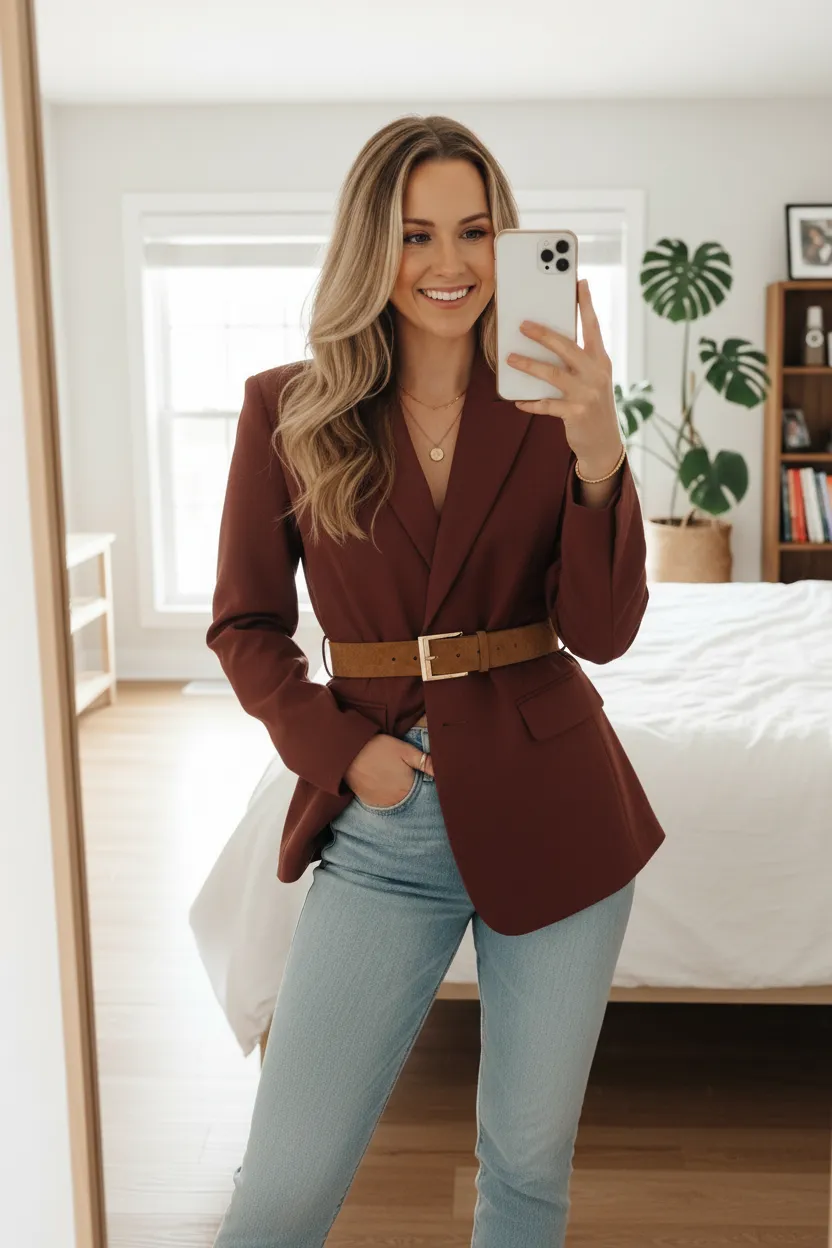
Virtual try-on for clothes from any store
Screenshot something you like, add a photo of yourself, and see how the style and color could look on you before you buy.
Try it on free3 free try-ons. No credit card. No subscription.
 Your photo
 Wearing it
Your fitting room, on your phone
- 1
Add your photo
Take one or upload one. Full body or waist-up, facing the camera, in good light.
- 2
Add the item
Screenshot it from any store, paste the image, or snap it in person. A product photo on a plain background works best.
- 3
See it on you
Your look is ready in under a minute. Keep it, download it, or send it to a friend.
 Your photo
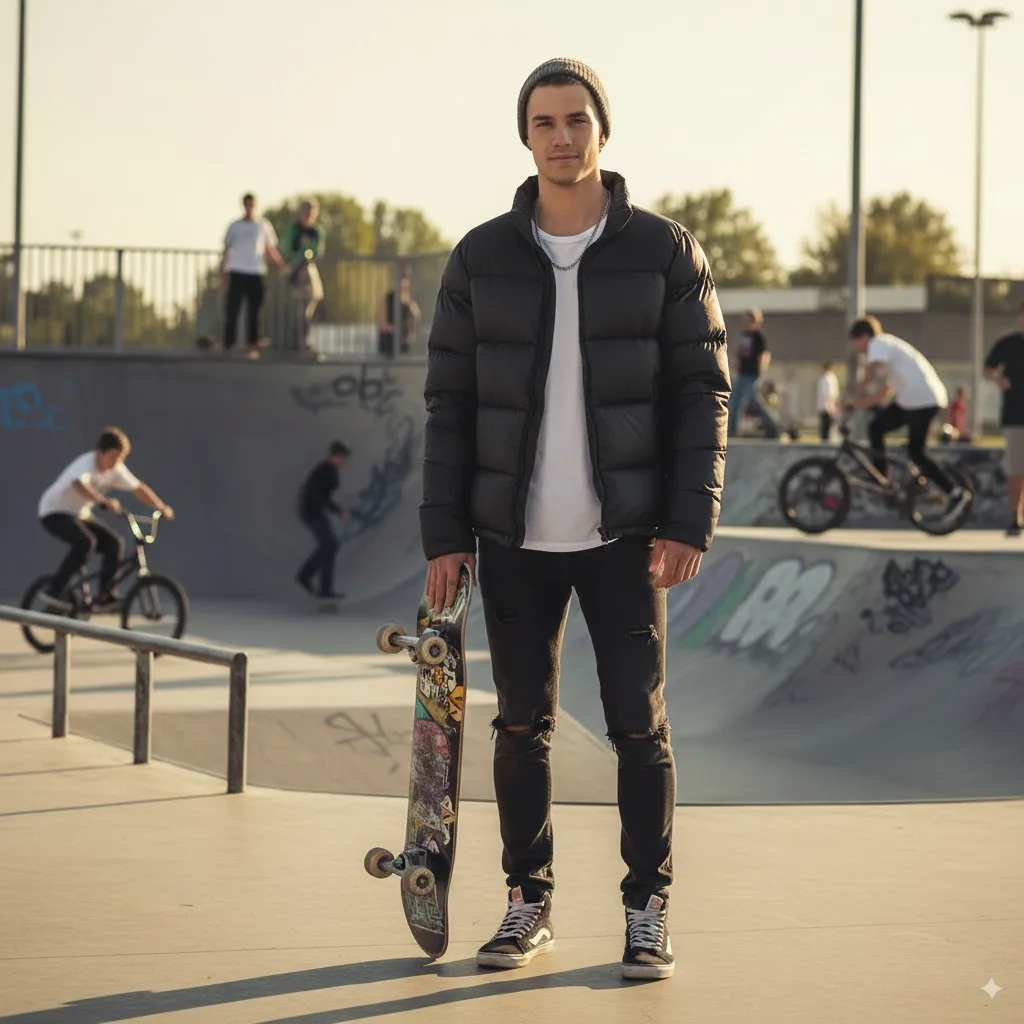 Wearing the puffer
Common questions
Is it really free to start?
+
Yes. New accounts get 3 free try-ons, with no credit card. If you want more, packs start at $7.99 and there is no subscription.
Which stores does it work with?
+
Any store. Take a screenshot of the product, copy the image, or snap the item in person, then add it to your try-on.
Will it tell me my size?
+
No. Dress It is an AI preview that shows how a style and color could look on you. It can’t confirm size or exact fit, so check the store’s size guide before you order.
What kind of photo works best?
+
A full-body or waist-up photo, facing the camera, in good light. For the item, a product photo on a plain background works best.
Are my photos private?
+
Your photos and looks stay in your account and are not shown publicly. Our AI providers process them to create your try-on, and you can delete any look whenever you want.
What if a try-on fails?
+
The try-on goes back to your balance automatically, so you only use one when you get a look.