How It Works

From product to photoshoot in four steps

01

Upload Products

Add your fashion items from flat-lay photos, mannequin shots, or existing product images. Our AI automatically analyzes fabric texture, garment structure, and style characteristics. No special photography setup required—use what you already have in your catalog.
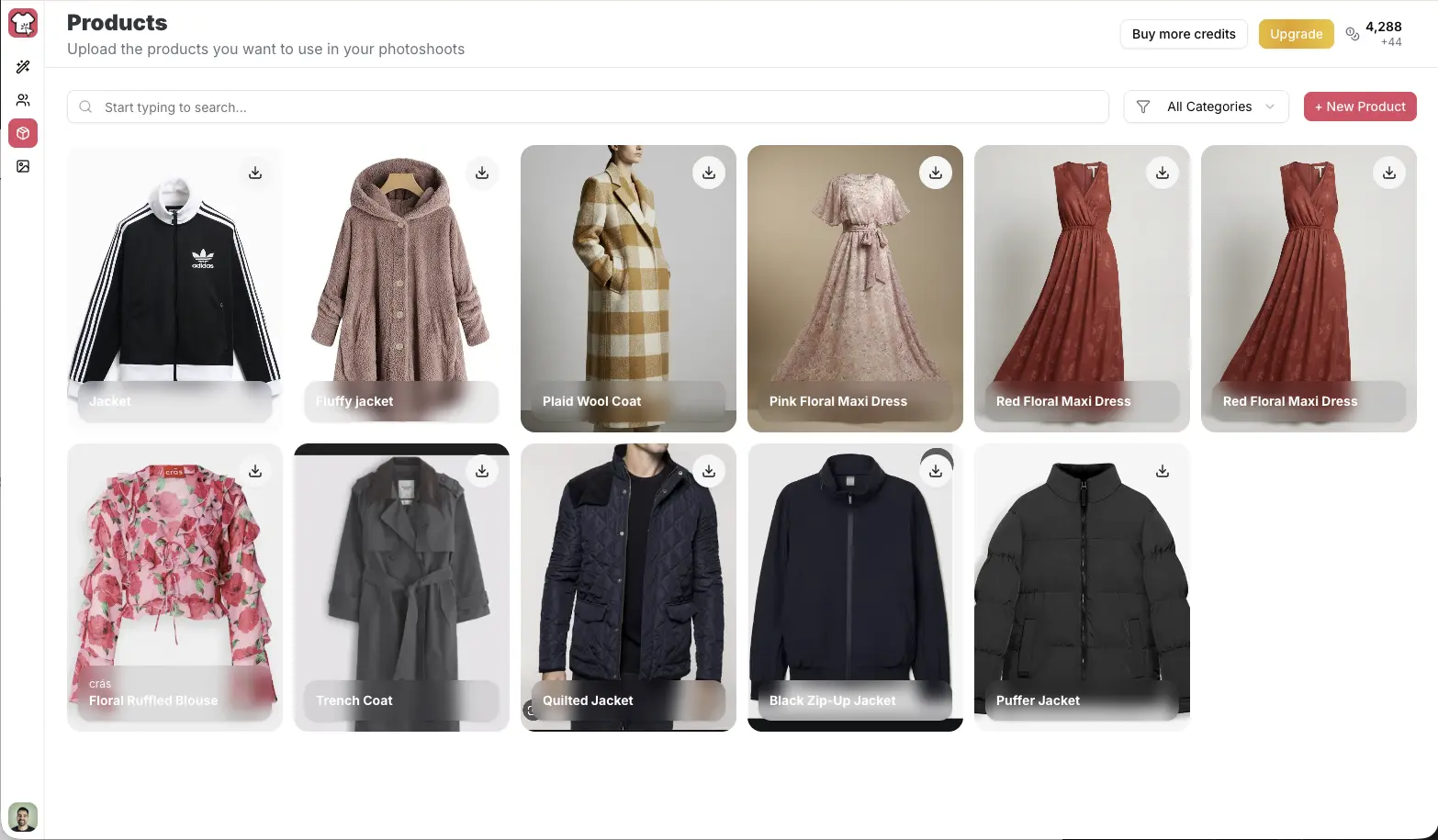
Upload Products
02

Generate Models

Create photorealistic AI models that represent your target audience. Customize age, ethnicity, body type, hair, and styling to match your brand identity. Build a diverse model library without casting calls, booking fees, or scheduling constraints.
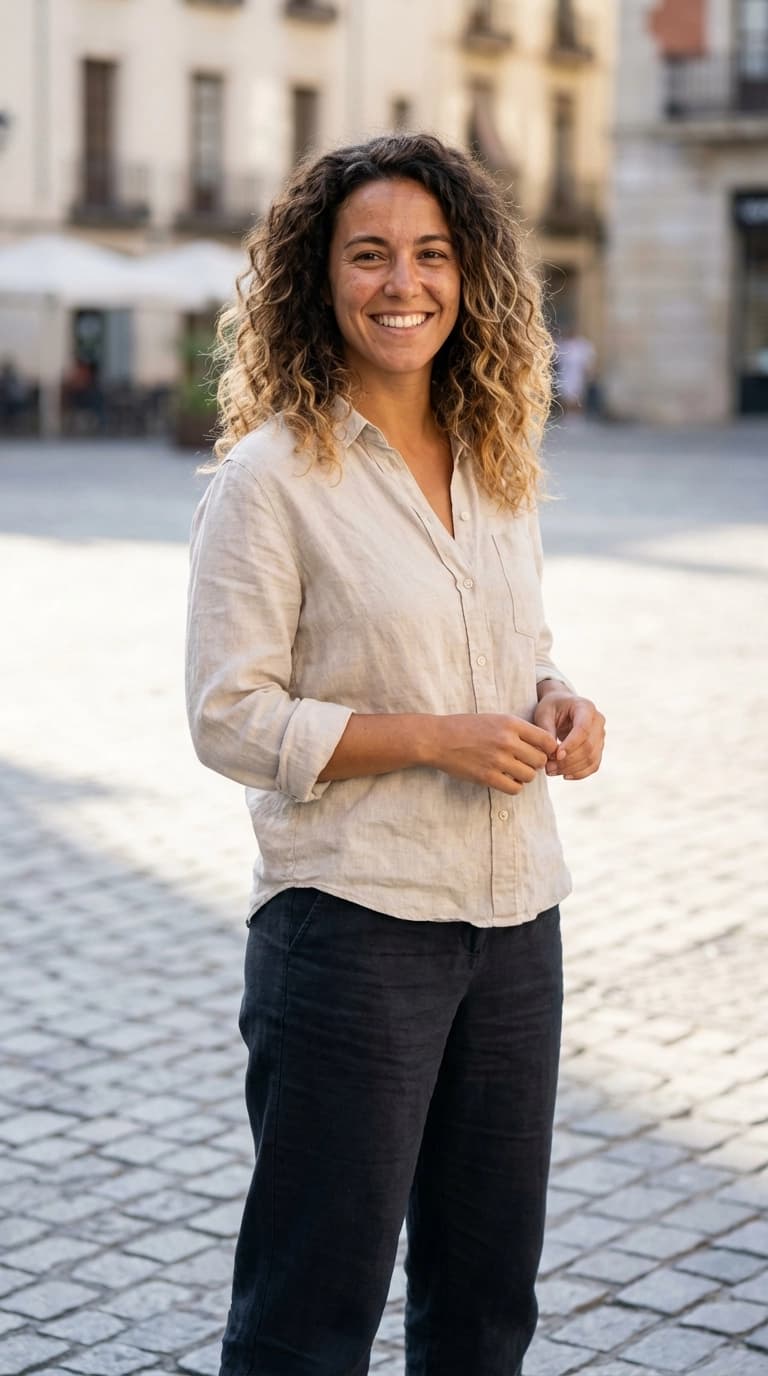
Generate Models
03

Design Backgrounds

Generate professional scene backdrops for any campaign. Choose from clean studio setups, urban environments, natural outdoor settings, or custom locations. Describe what you need and watch it come to life—no location scouting or set design required.
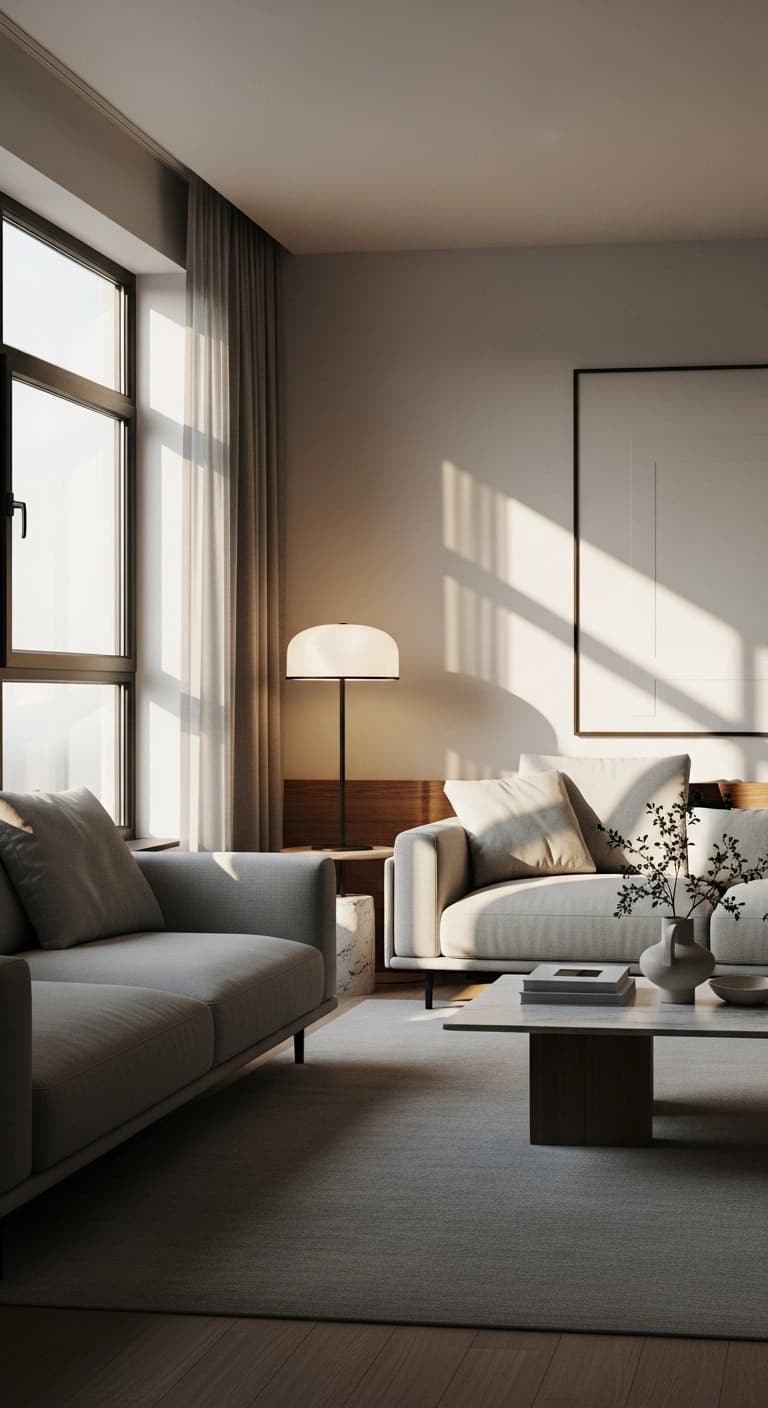
Design Backgrounds
04

Create Photoshoots

Combine your products, AI Models, and AI Backgrounds in our Studio. Layer garments onto models, place them in your chosen environment, and export production-ready imagery at up to 2048px resolution. What used to take days of coordination now happens in minutes.
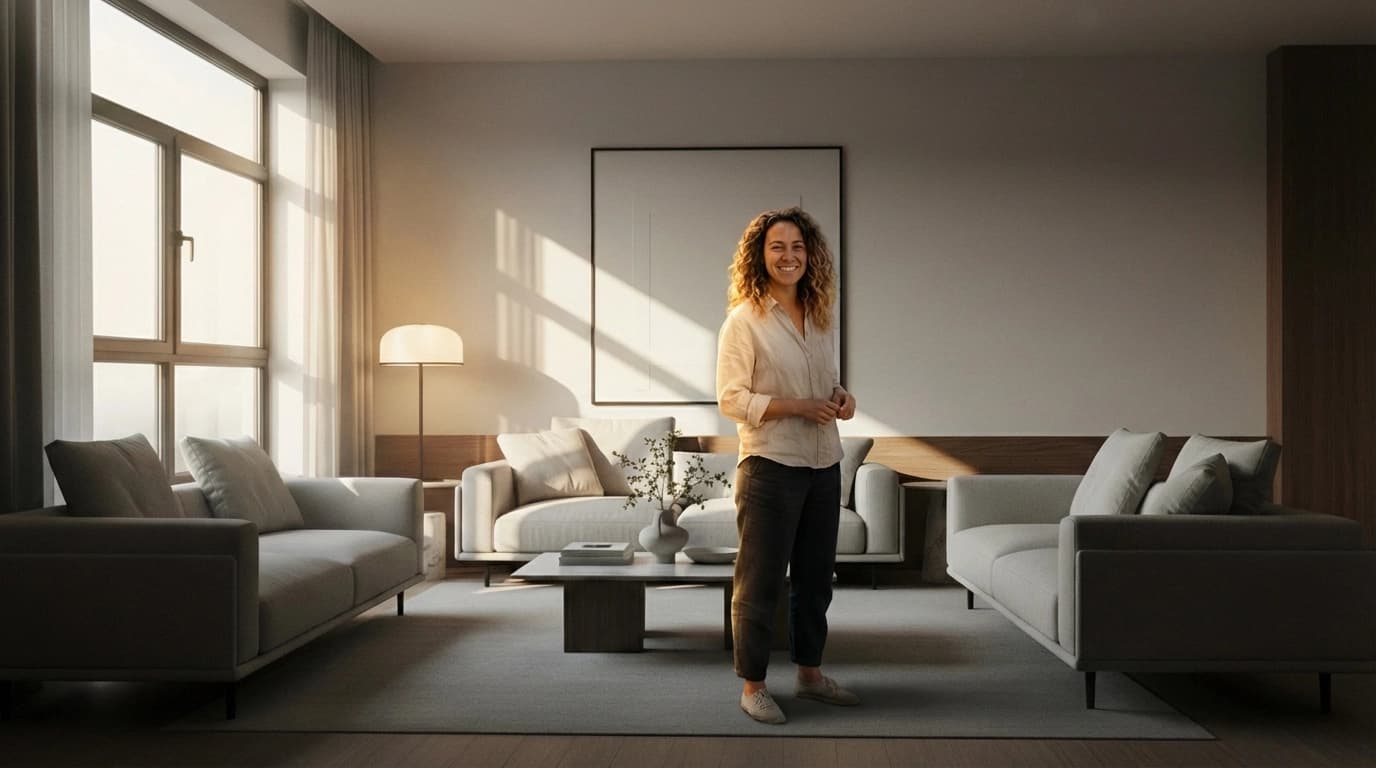
Create Photoshoots
FAQ

Common questions

How does the AI Virtual Try-on work?

+

Our AI analyzes your product photos and realistically applies them to model images ‐ matching fabric drape, lighting, and body contours. Upload a flat-lay or mannequin shot, select a model, and get a production-ready on-model photo in seconds.

What can I customize on AI models?

+

You can customize age, ethnicity, body type, hair, and styling. Build a diverse model library that represents your customers ‐ without the costs of traditional casting, booking, and travel.

What are AI Backgrounds?

+

Generate professional product photography backgrounds for any scene ‐ clean studio setups, lifestyle outdoor locations, urban streets, minimalist interiors. Describe the environment you need and watch it come to life.

What is the Studio?

+

The Studio lets you combine your Products, Models and Backgrounds to create complete photoshoots. Layer your garments onto models, place them in your chosen environment, and produce cohesive campaign imagery.

How does chat-based editing work?

+

Refine any generated image using natural language. Describe what you want to change ‐ adjust lighting, modify poses, change colors, add accessories ‐ and watch AI make it happen. No design skills needed.