Edit images with AI
Describe what you want, and watch it happen
How it works
Three simple steps to professional imagery
Describe change
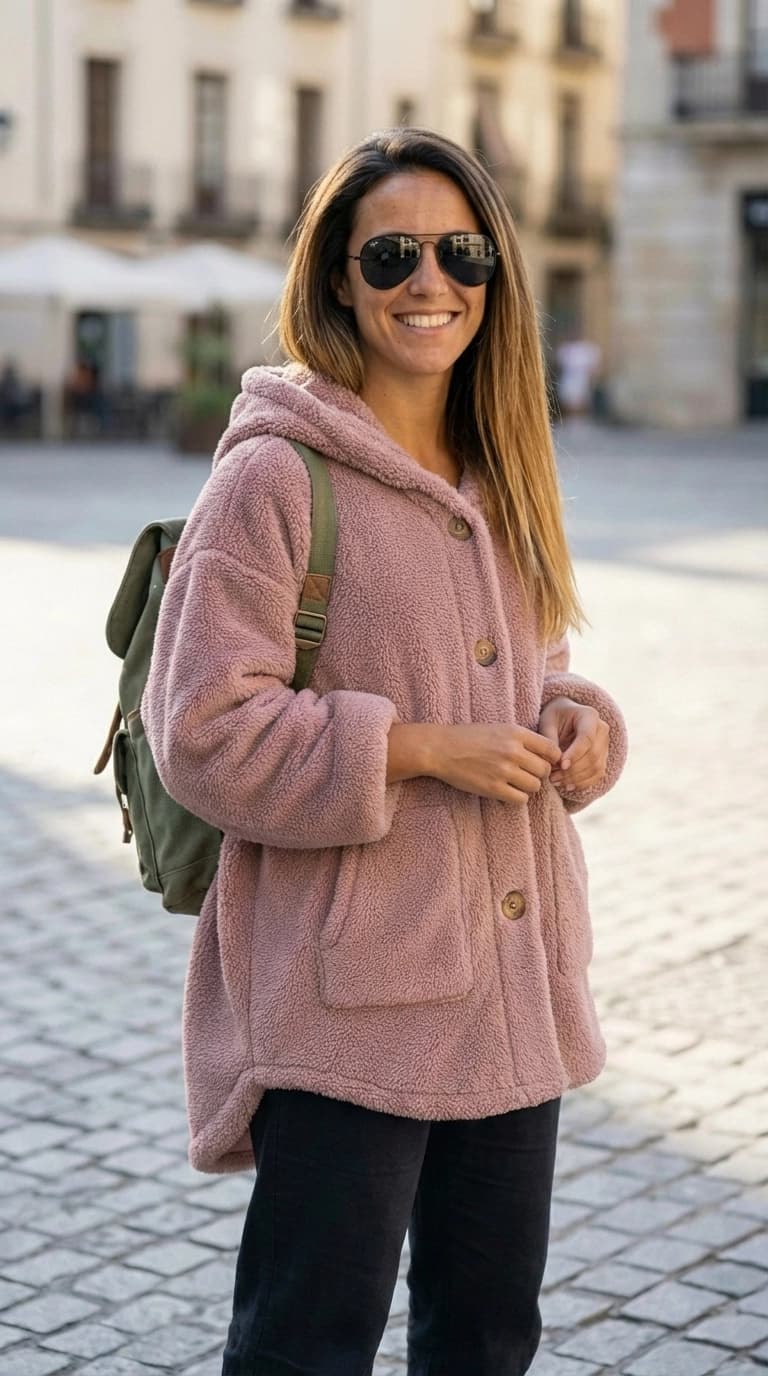
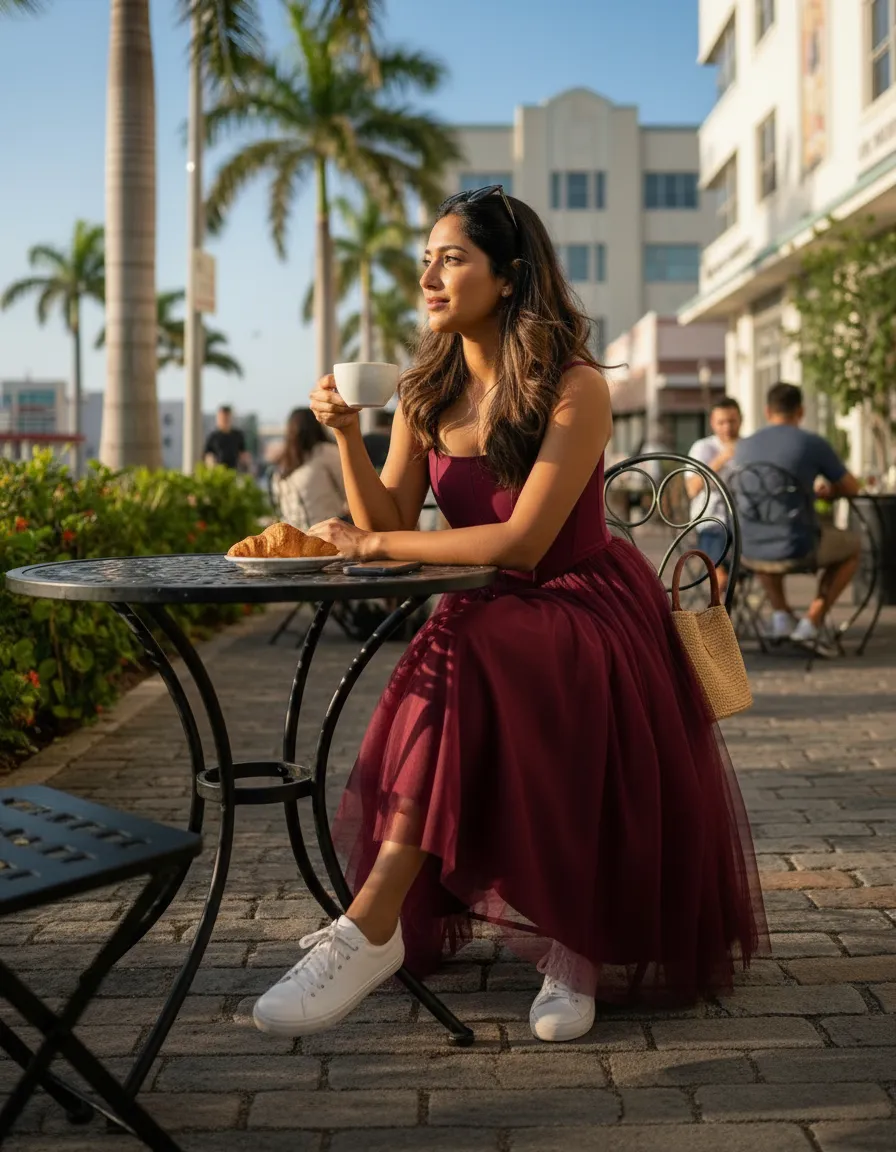
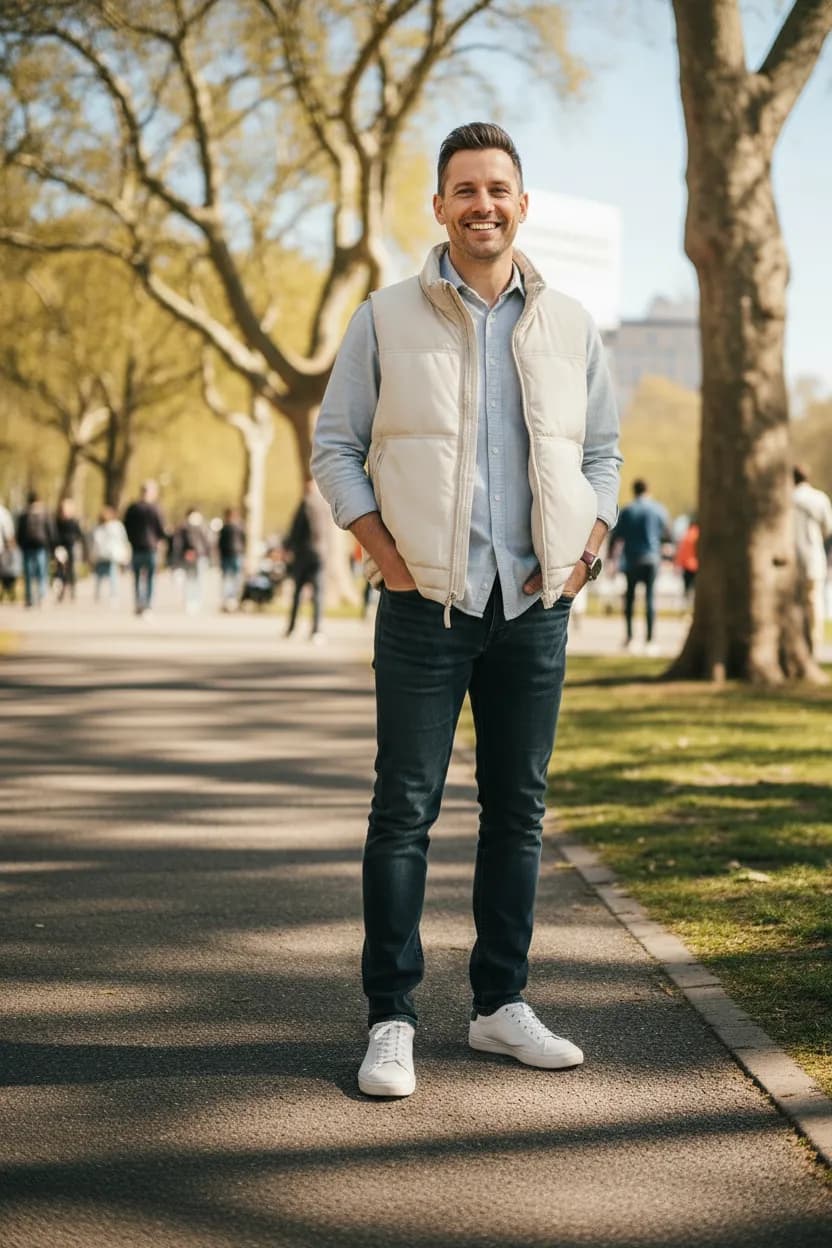
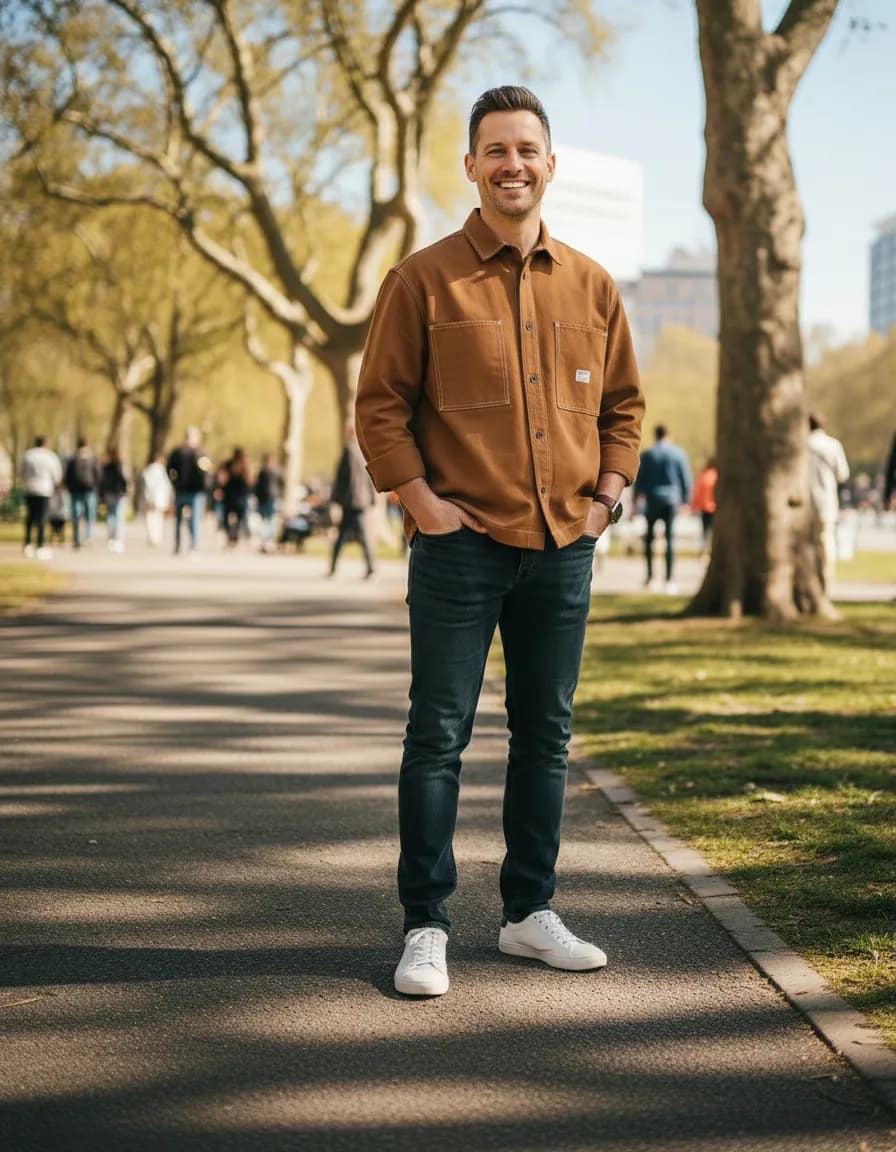
Type a simple instruction like "change the dress color to navy" or "add more sunlight".
AI processes
Our AI interprets your request and applies the edits while preserving the rest of the image.
Refine & export
Continue describing adjustments until perfect, then download your final asset.
Key benefits
No design skills needed
Edit images using plain English. Describe changes naturally and let AI handle the execution.
Instant iterations
Not quite right? Describe another adjustment. Iterate as many times as needed until it's perfect.
Precise control
Make specific changes - lighting, colors, poses, details - without affecting other parts of the image.
Production-ready output
Export high-resolution images ready for any platform - web, social, email, or print.
Perfect for
Marketing teams
Make quick edits without waiting for design resources or back-and-forth.
Product managers
Iterate on visual content directly, testing variations in real-time.
Small businesses
Get professional-quality edits without Photoshop skills or expensive software.
Content creators
Fine-tune imagery for different platforms and audiences instantly.
Why we built this
Traditional image editing requires specialized software and skills. Photoshop expertise isn't universal, and outsourcing edits creates delays and communication overhead. Small adjustments shouldn't require a design team.
We built text-based editing to make refinement accessible to everyone. Describe what you want to change in plain language: 'make the lighting warmer,' 'adjust the model's pose,' 'change the dress color to navy.' Dress It interprets your intent and makes it happen.
This empowers marketing teams, product managers, and founders to iterate on visual content directly. No waiting for design resources, no back-and-forth on revisions. Just describe what you see in your mind, and create it.
Ready to get started?
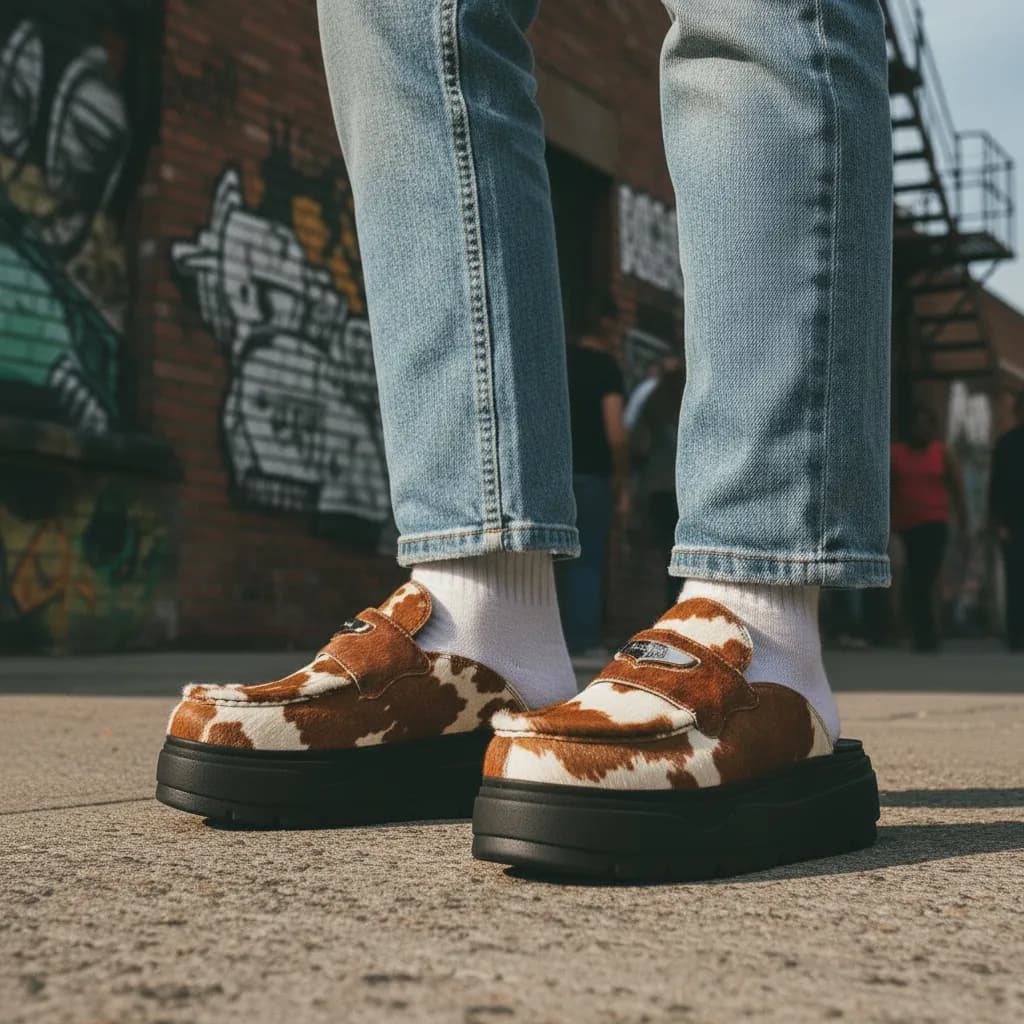
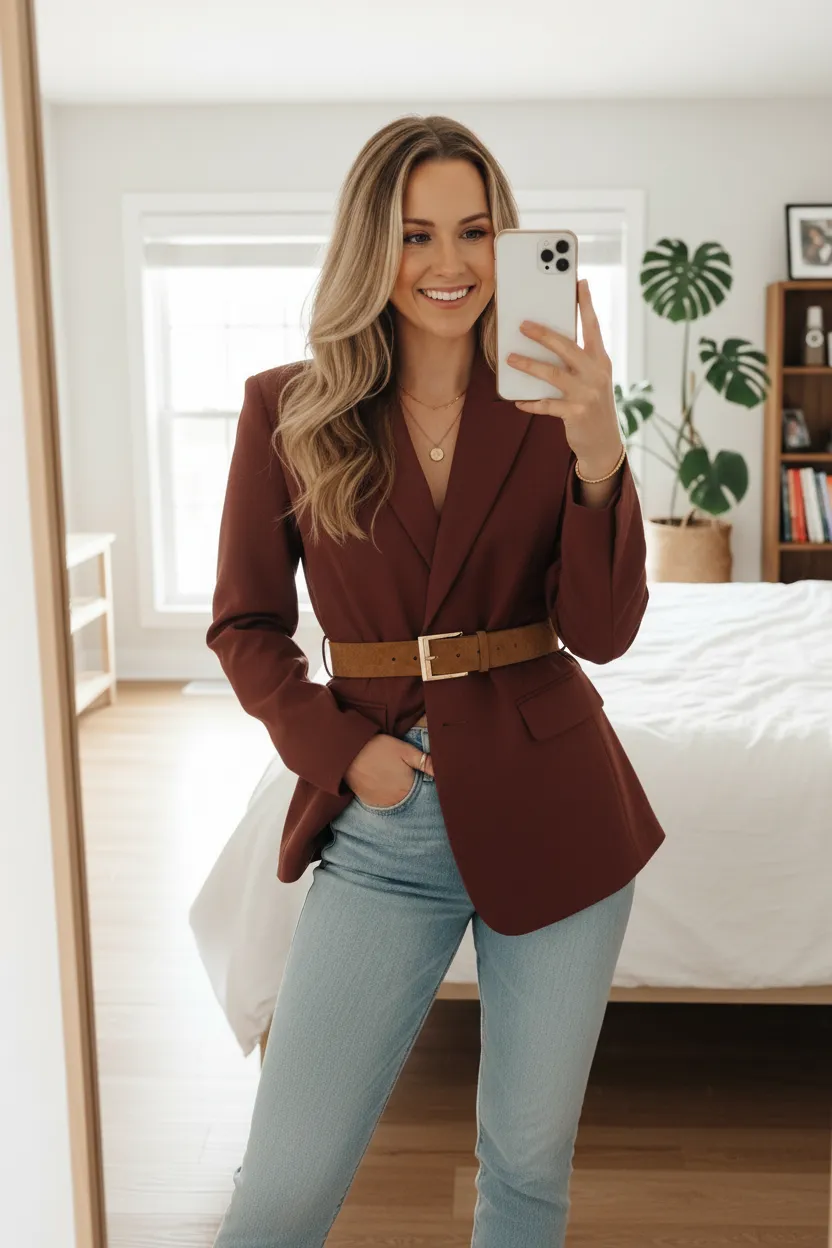
- On-model imagery for your product photos
- Upload your products and create photoshoots in seconds
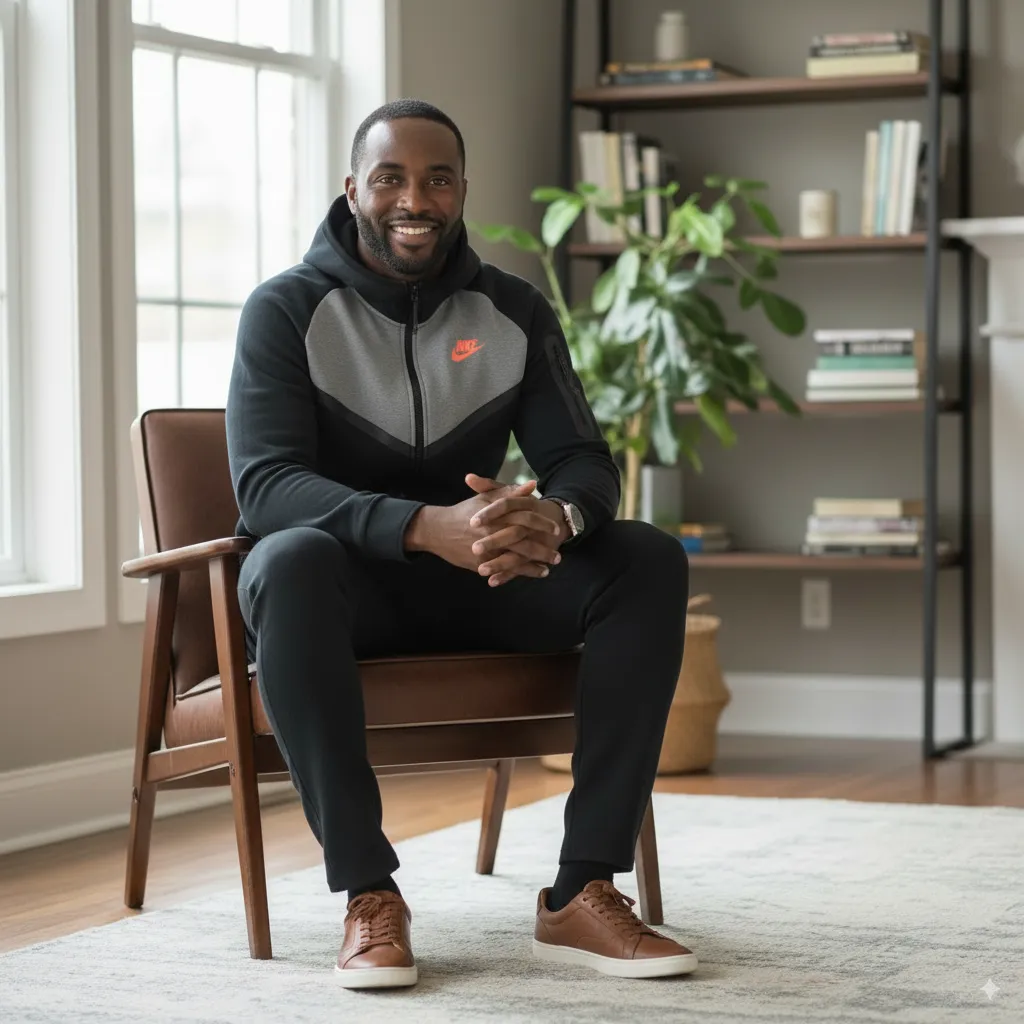
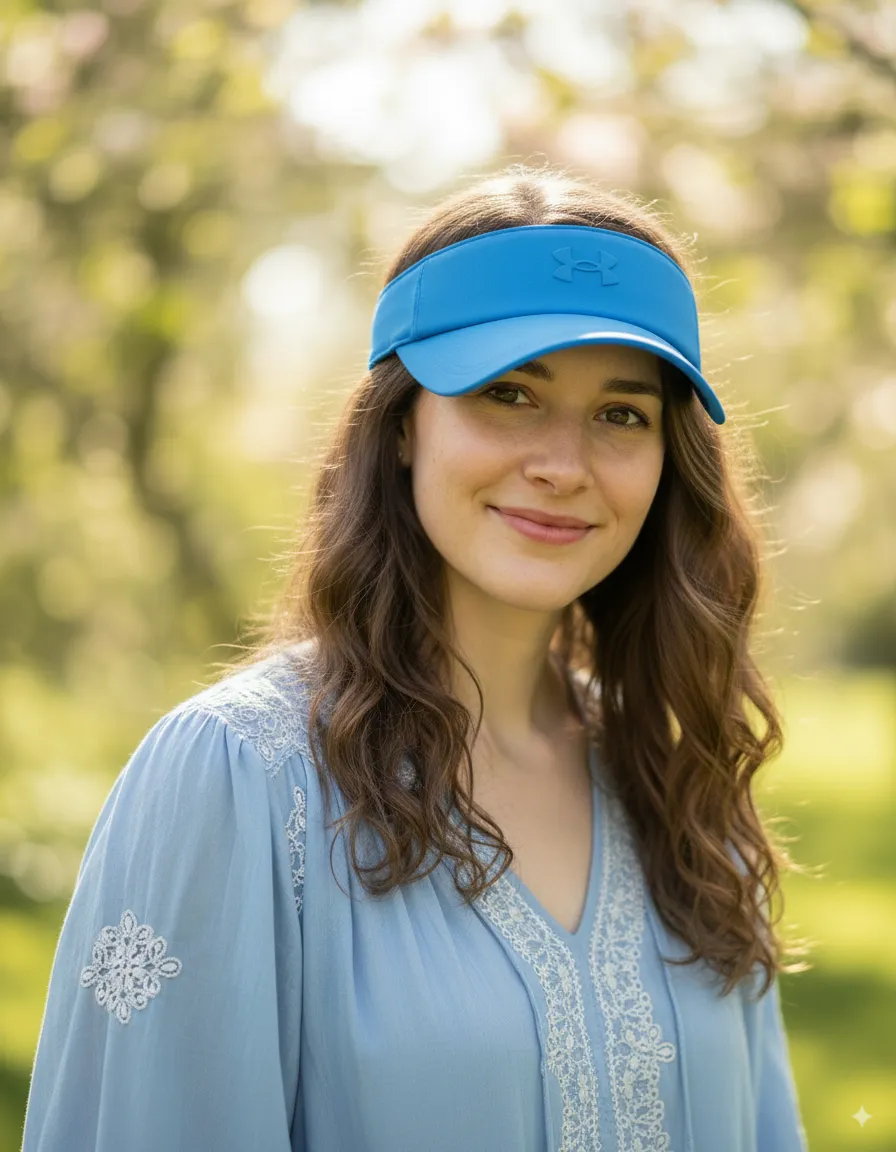
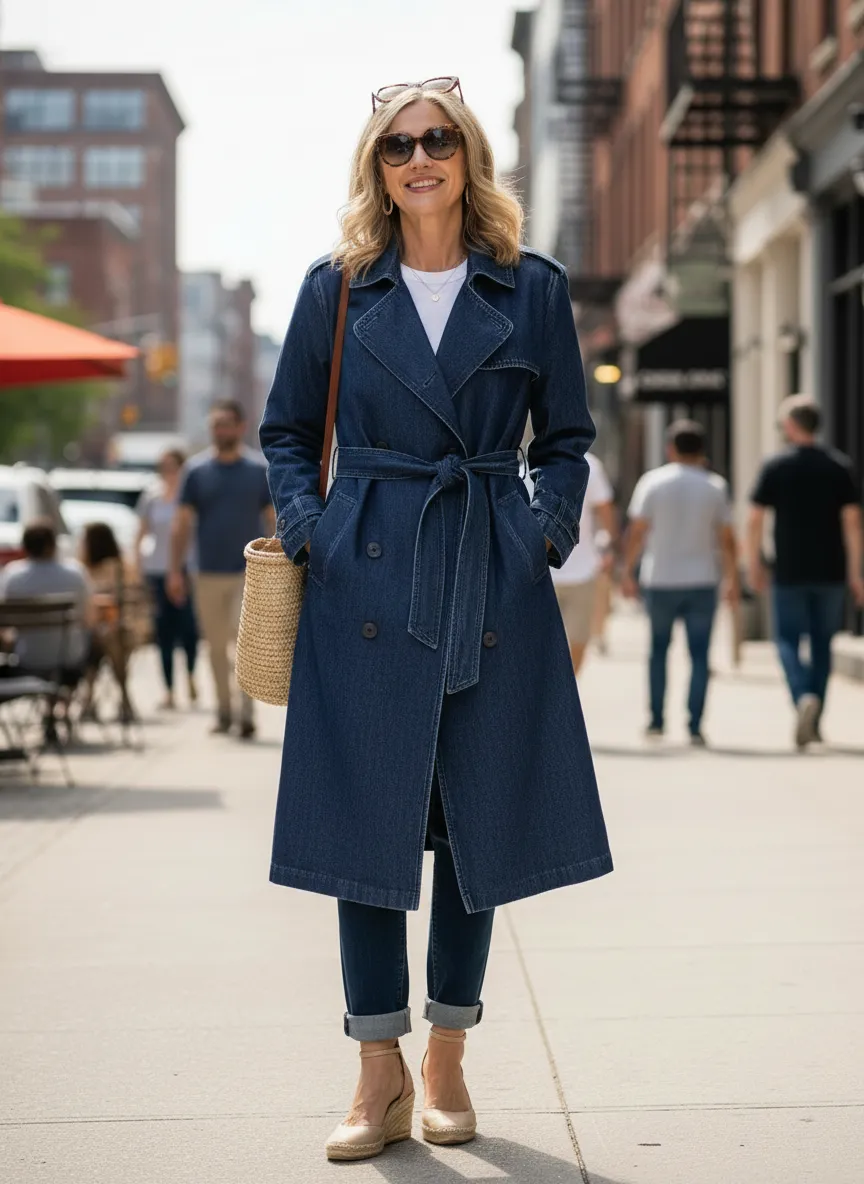
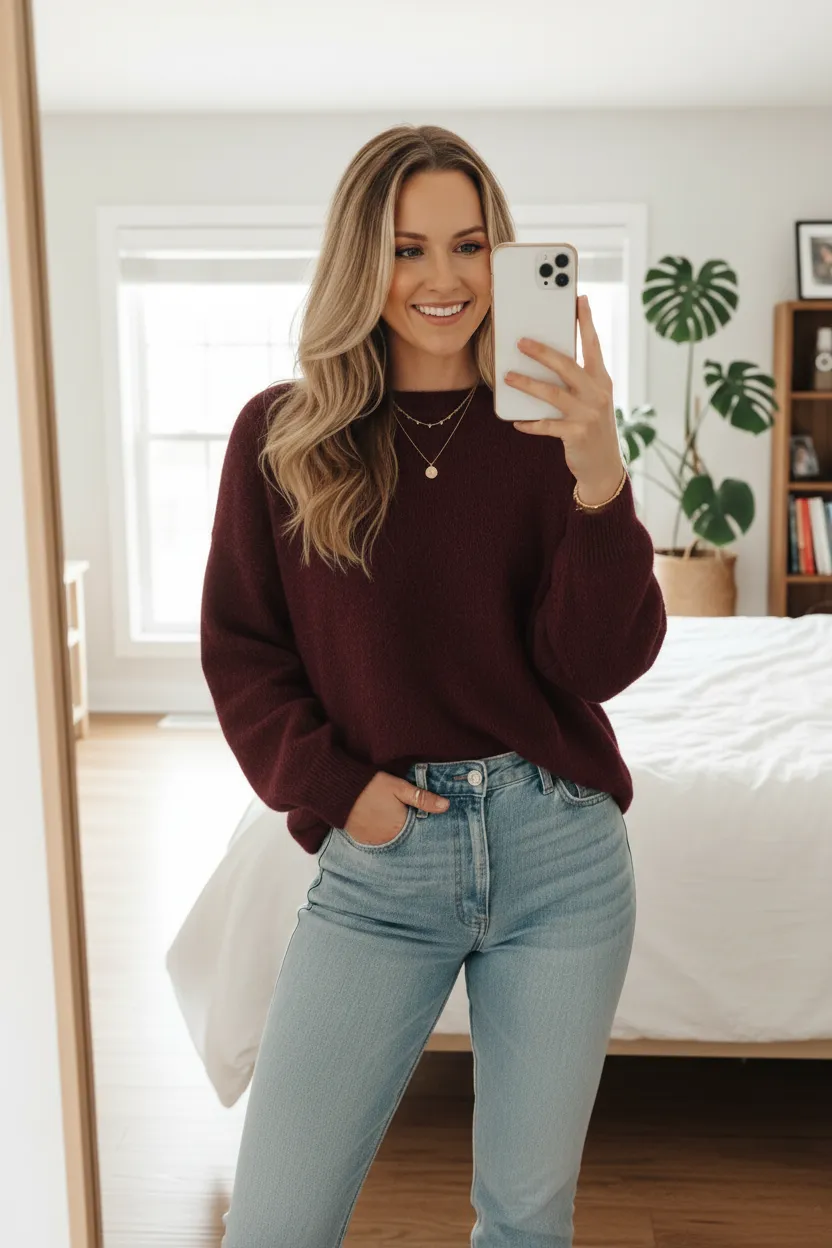
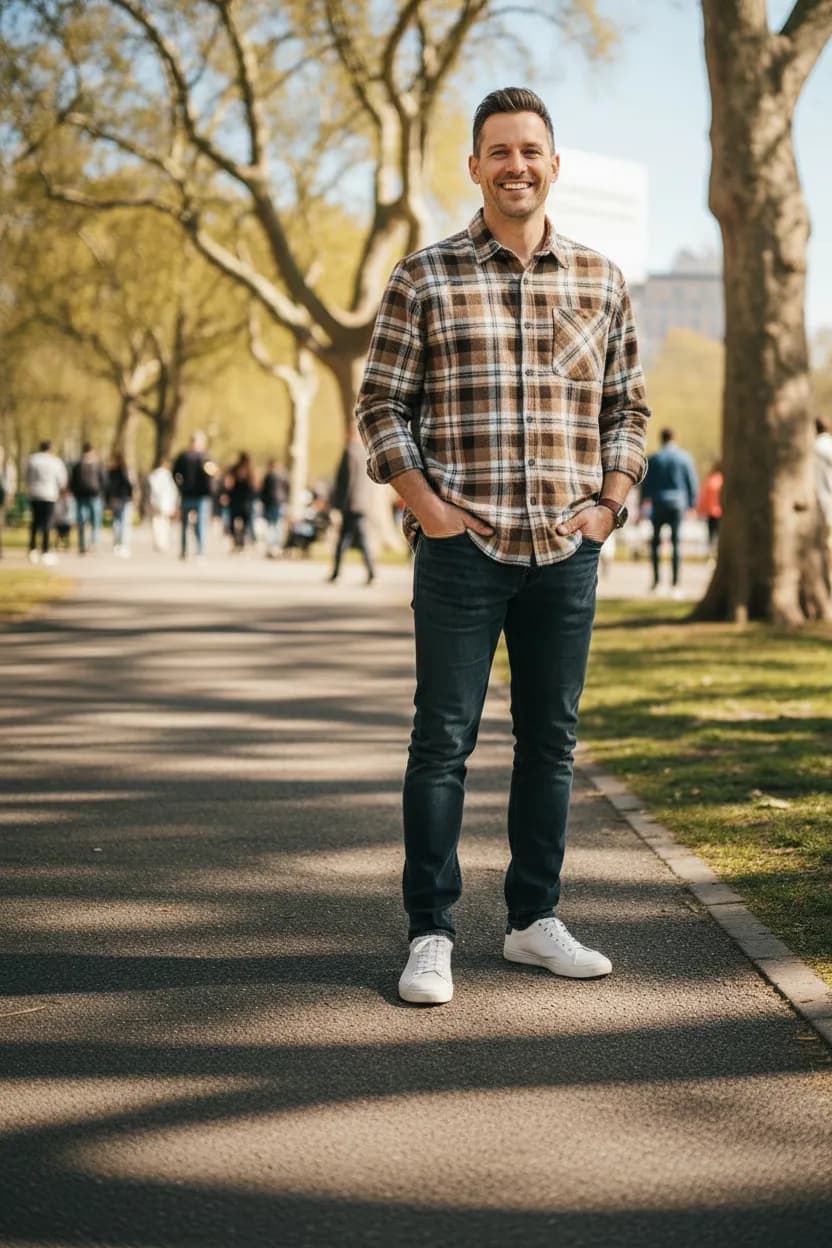
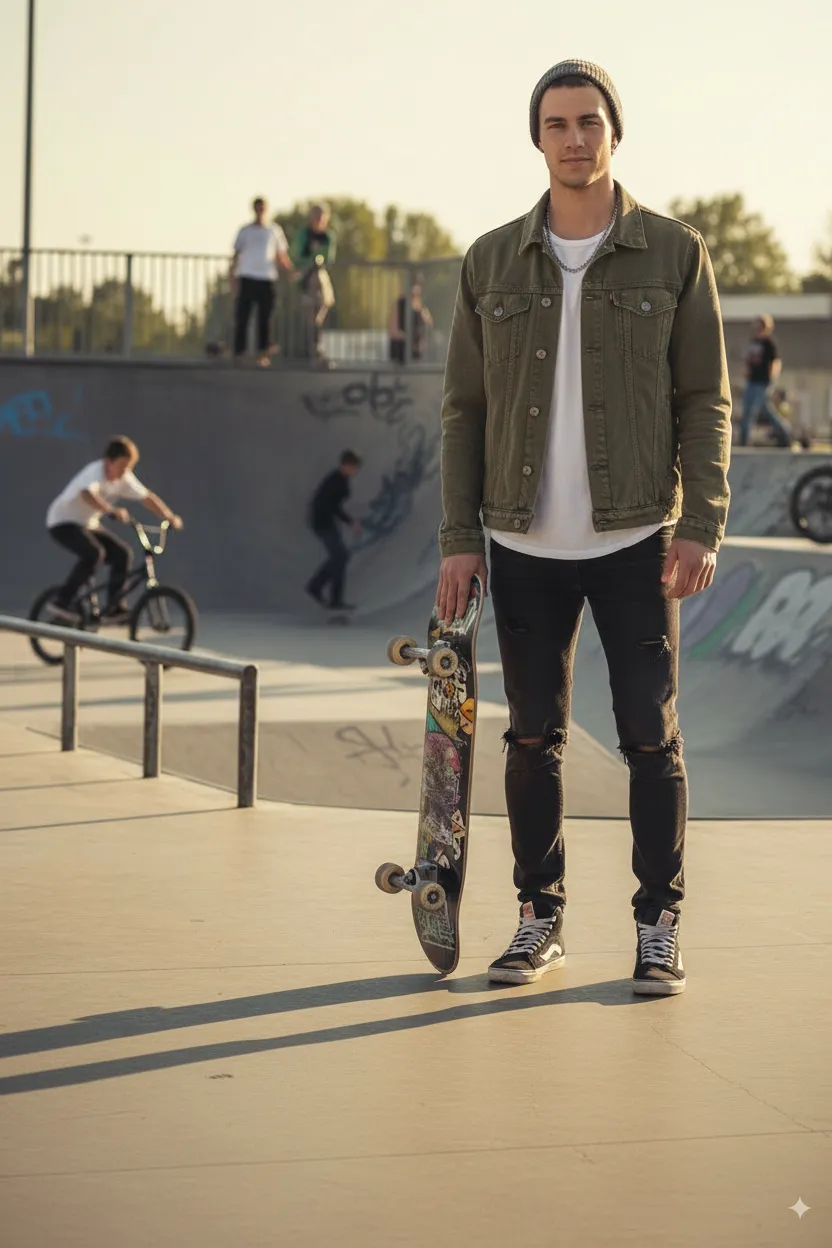
- Generate AI Models for many ages, body types and genders
- Create AI Backgrounds for any scene or setting
- Combine it all in Studio and build complete photoshoots
- Chat to refine any image until it's perfect
Frequently asked questions
How does the AI Virtual Try-on work?
+
Our AI analyzes your product photos and realistically applies them to model images ‐ matching fabric drape, lighting, and body contours. Upload a flat-lay or mannequin shot, select a model, and get a production-ready on-model photo in seconds.
What can I customize on AI models?
+
You can customize age, ethnicity, body type, hair, and styling. Build a diverse model library that represents your customers ‐ without the costs of traditional casting, booking, and travel.
What are AI Backgrounds?
+
Generate professional apparel photography backgrounds for any scene ‐ clean studio setups, lifestyle outdoor locations, urban streets, minimalist interiors. Describe the environment you need and watch it come to life.
What is the Studio?
+
The Studio lets you combine your Products, Models and Backgrounds to create complete photoshoots. Layer your garments onto models, place them in your chosen environment, and produce cohesive campaign imagery.
How does chat-based editing work?
+
Refine any generated image using natural language. Describe what you want to change ‐ adjust lighting, modify poses, change colors, add accessories ‐ and watch AI make it happen. No design skills needed.