Job Interview Outfits: A Guide to Professional Style
Learn how to choose the right job interview outfits for any industry. Preview professional styles and colors on your own photo to find the perfect look.
Try it on free3 free try-ons. No credit card.
Choosing the right job interview outfits helps you feel prepared and professional before you even say hello. Most recruiters suggest dressing one step above the daily office dress code. If the office is casual, aim for business casual. If the office is business casual, choose a suit or structured blazer.
When you find a few options online, it is often hard to tell if a specific color or cut will suit you. You can see how an interview outfit looks on you by uploading a photo of yourself and a screenshot of the item. This helps you decide which style feels right before you spend money or wait for shipping.
Choosing job interview outfits by industry
Different industries have different expectations for what to wear to a job interview. A law firm usually requires a higher level of formality than a tech startup or a retail position. Understanding these nuances helps you fit into the company culture from day one.
Business Professional
This is the standard for finance, law, and corporate leadership roles. It typically includes a dark-colored suit, a button-down shirt or professional blouse, and conservative shoes. Stick to neutral colors like navy, charcoal, or black. These colors project authority and reliability without being distracting. When shopping for these items online, look for high-quality wool blends or structured synthetics that maintain their shape.
Business Casual
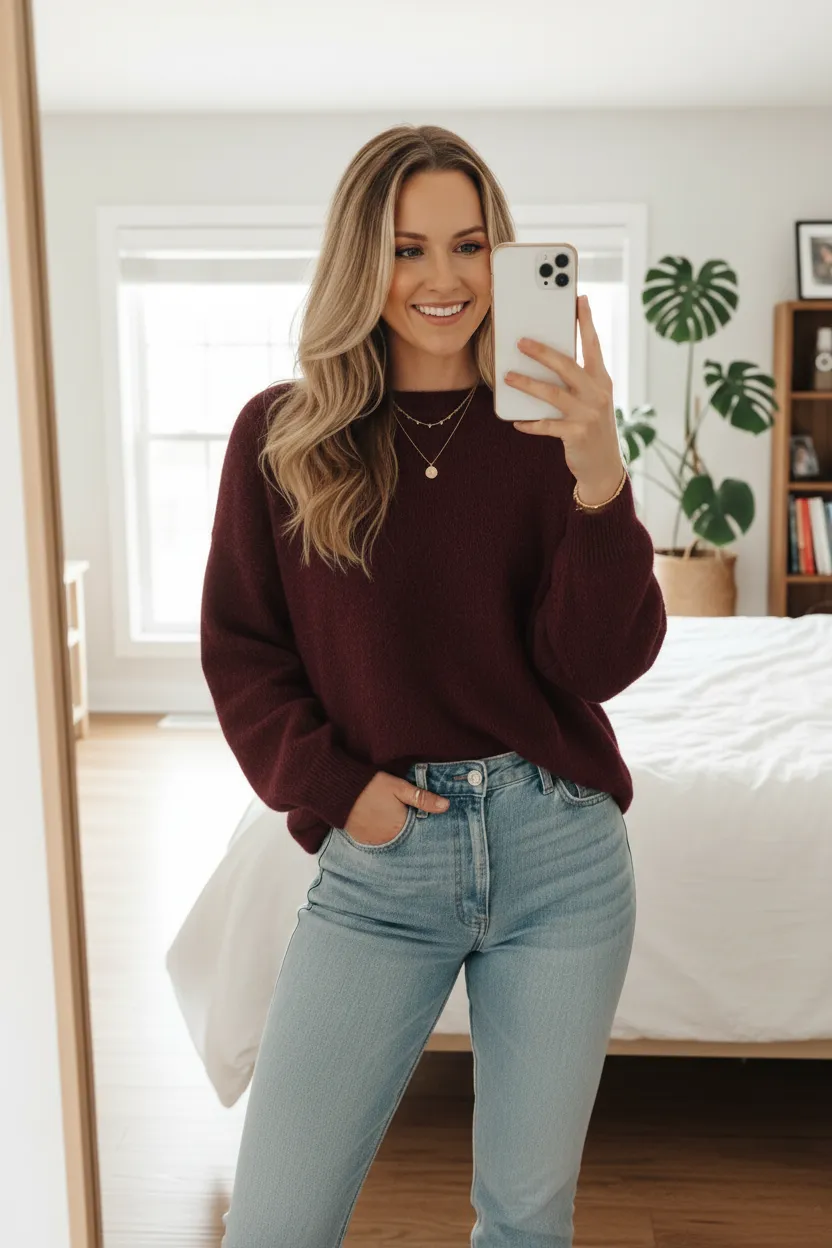
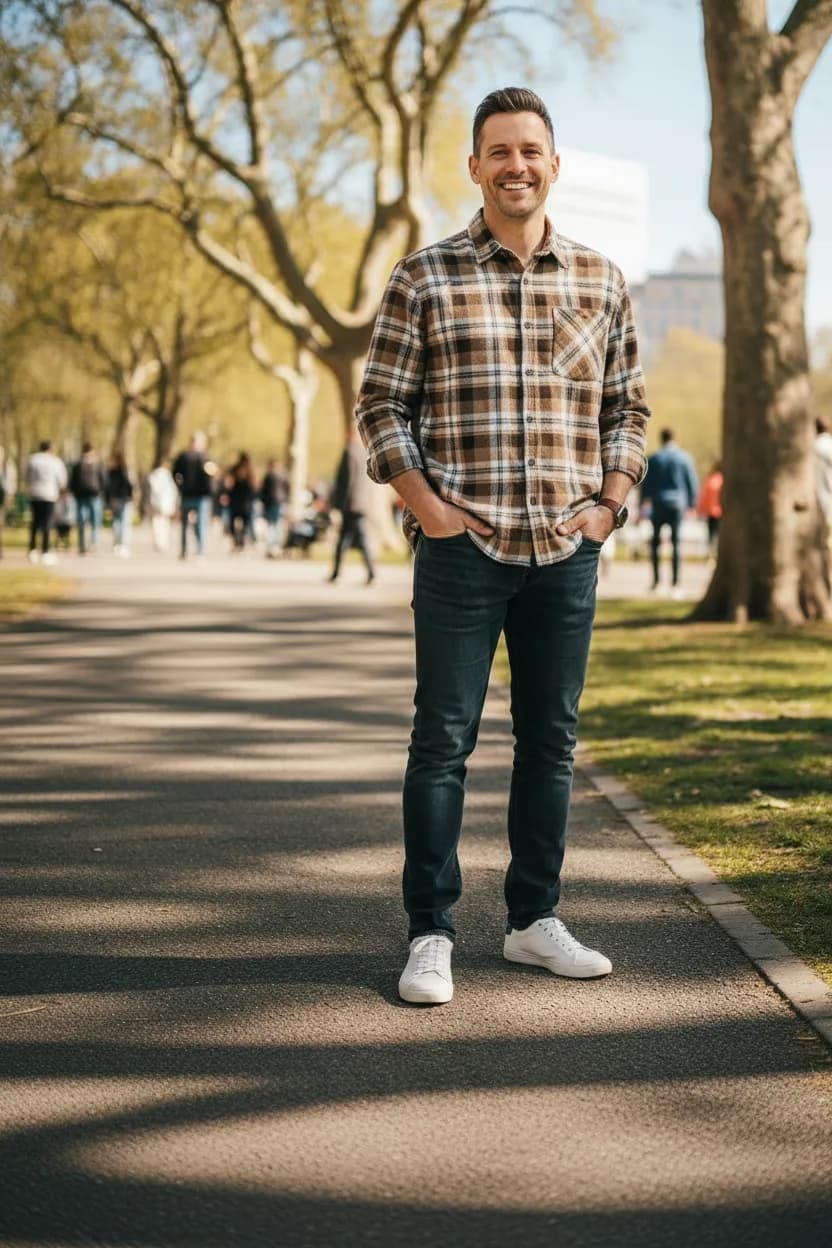
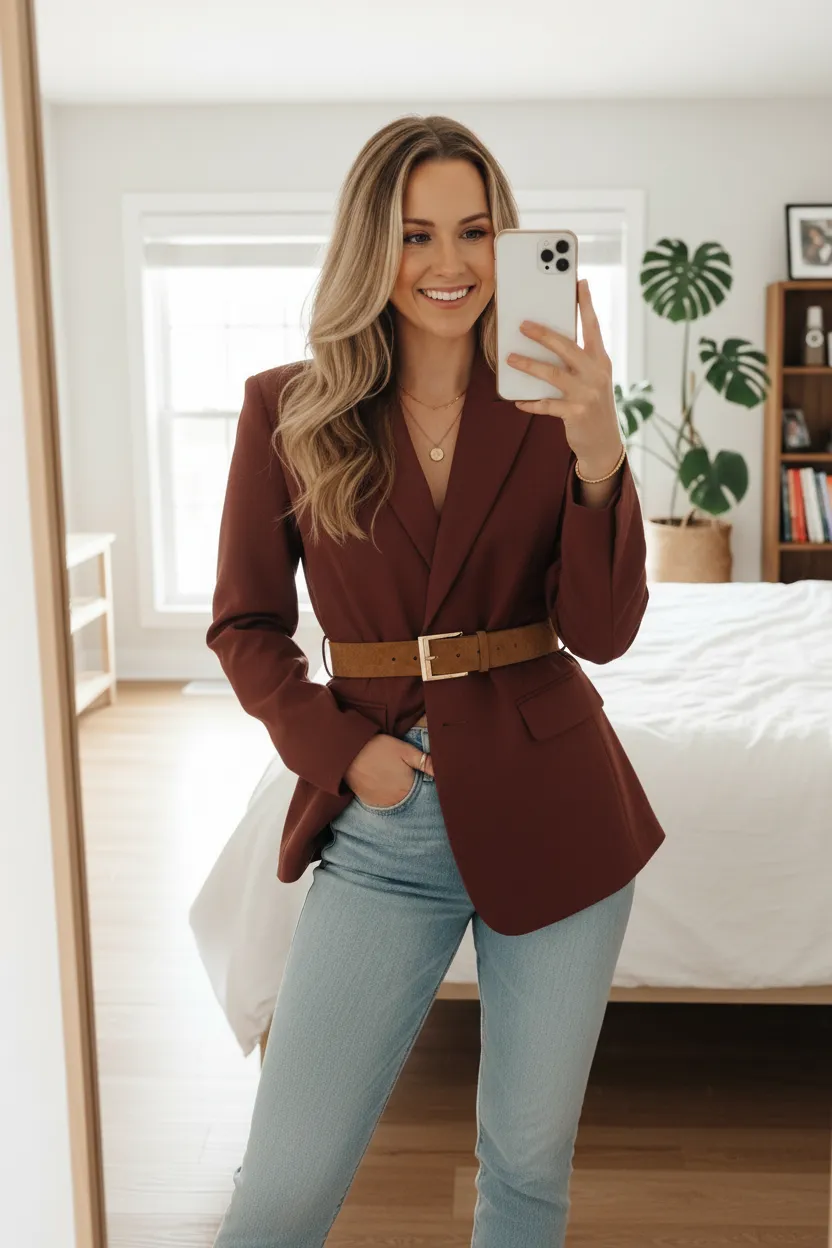
Many modern offices now follow a business casual code. For an interview, this might mean slacks or chinos paired with a blazer, a sweater over a collared shirt, or a knee-length dress. You want to look polished but not overly stiff. It is still a good idea to avoid jeans unless the recruiter specifically tells you the office is very casual. If you are stuck between two colors of slacks, you can use a virtual try-on to see which one complements your existing wardrobe better.
Creative and Startup Roles
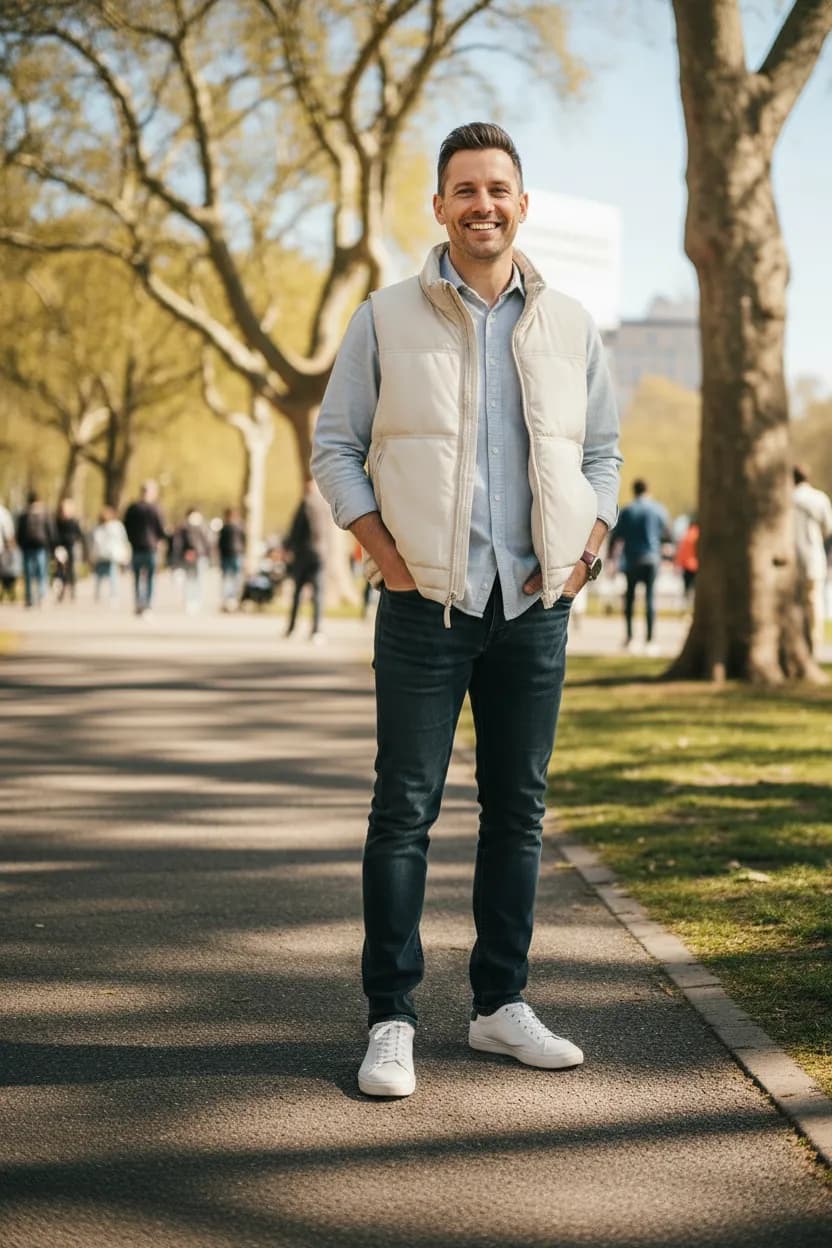
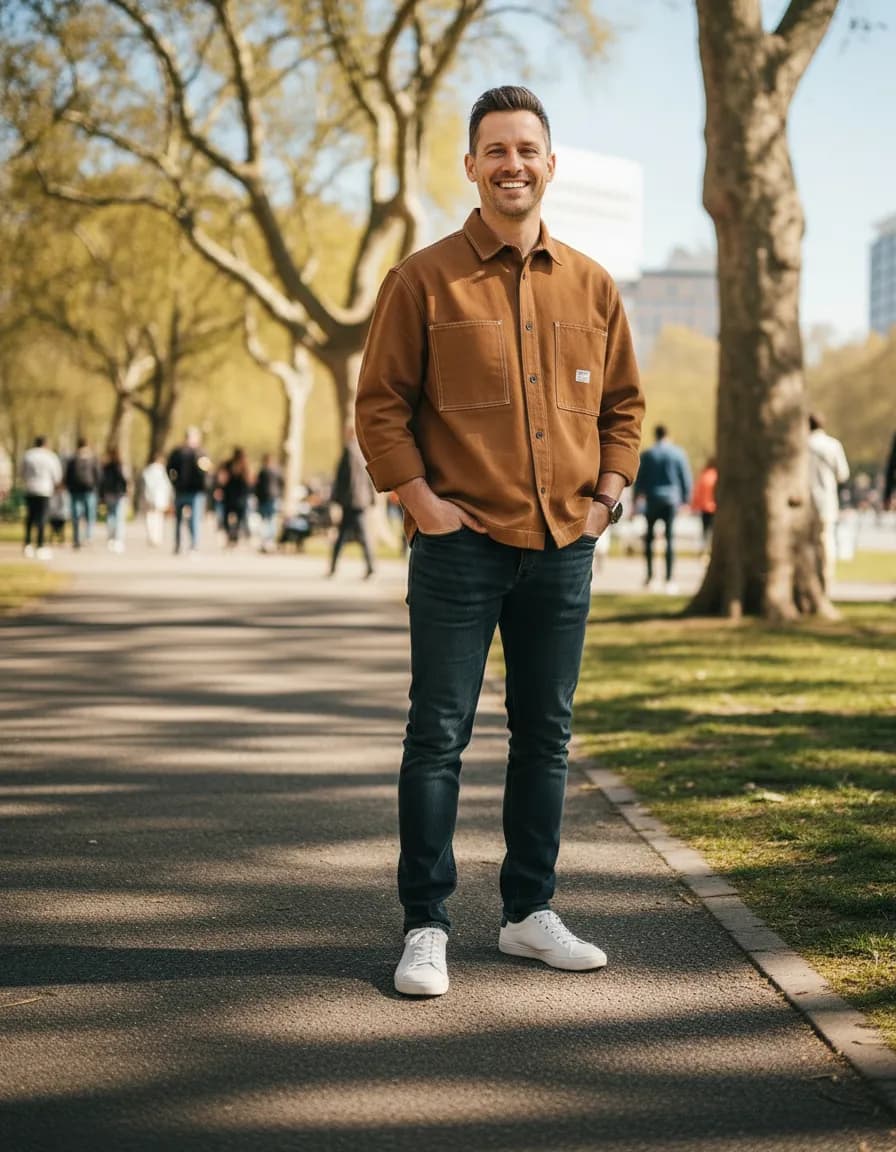
In creative fields like graphic design or at small tech startups, you have more room for personal style. However, you should still look like you are ready to work. A "smart casual" look works well here—think high-quality knitwear, structured jackets, or dark denim paired with a very professional top. This shows you are creative but understand the professional nature of the meeting.
Indeed supports the fact that 68% of hiring managers associate well-fitted, tailored clothing with a candidate's attention to detail Resufit. While an AI preview helps you see the style and color on your frame, you should always check the store's specific size guide to ensure the actual garment will provide that tailored look. Fit is the most important factor in looking professional, so comparing your measurements to the brand's chart is a vital final step.
Preparing for remote and video interviews
If your interview is over Zoom or Google Meet, your clothing choices are just as important as they are in person. It is a common mistake to only dress professionally from the waist up. While the interviewer might only see your shoulders and head, your choice of clothing affects your performance.
Career experts at City Personnel and MSU Billings suggest that candidates should wear full professional outfits even for remote interviews to maintain a "professional mindset" City Personnel | MSU Billings. When you are fully dressed, including shoes, your posture and confidence often improve. This physical sensation of being "at work" comes across in your tone of voice and body language on camera.
Video calls also have technical limitations that you do not encounter in person. Avoid very busy patterns, like small houndstooth, tight stripes, or intricate florals. These can "blow out" or create a flickering effect on-camera known as a moiré pattern, which becomes a visual distraction for the interviewer Locked In AI. Solid, mid-tone colors like blue, teal, or burgundy often look best against most home backgrounds and help the camera focus on your face.
To see if a specific color works with your skin tone and hair color before the interview, you can use a try-on tool. By seeing a preview of the shirt or blazer on your photo, you can filter out colors that might make you look washed out under the harsh light of a computer monitor.
How to preview interview outfits on your photo
Dress It allows you to see an AI-generated preview of any item on your own photo in under a minute. It runs entirely in your mobile or desktop browser, so you do not need to install an app or create a complex profile. This makes it easy to quickly check a blazer or dress while you are browsing different stores.
To start, you need a clear photo of yourself. For the best results, use a photo where you are standing straight, facing the camera, and wearing relatively fitted clothing. This helps the AI place the new item correctly on your frame. Then, find an item you are considering buying from any online store. Take a screenshot or save the product photo, making sure the entire item is visible.
When you upload both to Dress It, the AI shows you a preview of that item on your body. This is a helpful way to see if a specific blazer lapel looks too wide for your frame or if a dress color is what you expected. If you want to compare two different styles, simply perform one try-on for the first item and then a separate try-on for the second. This allows you to look at the two images and decide which one projects the level of confidence you want for your interview.
New accounts get 3 free try-ons without needing a credit card. If you need to see more options for different interview rounds, you can purchase one-time packs at our pricing page. There are no monthly subscriptions to manage, which is helpful if you only need the tool during a job search.
Reports indicate that 71% of shoppers are more likely to visit retailers that provide AR-powered tools like these Medium. Using a preview tool helps you visualize a garment on your own photo rather than relying solely on the professional model in the store's photography.
What to avoid in your interview outfit
While focusing on what to wear, it is equally important to know what to avoid. The goal of an interview outfit is to ensure the interviewer focuses on your skills and experience rather than being distracted by your clothes.
- Wrinkled or stained clothing: Even the most expensive suit will look unprofessional if it is messy. Always iron or steam your outfit the night before and check for loose threads or missing buttons.
- Ill-fitting items: Clothes that are too tight can be uncomfortable and distracting, while clothes that are too baggy can look sloppy. An AI preview helps with style, but the physical fit depends on the size you order.
- Excessive accessories: Keep jewelry and accessories simple. You want your face and your words to be the center of attention. Avoid loud, clanking bracelets or overly large earrings that might distract you or the interviewer.
- Distracting patterns: As mentioned for video interviews, loud patterns can be difficult for the eye to process. Solids are almost always a safer bet for establishing a calm, professional presence.
Remember that Dress It is designed to preview the style and color of a garment. It cannot confirm the exact fit, the feel of the fabric, or how the material will drape when you move. Learn more about how it works to get the best preview possible. Once you have a style you like, read the product descriptions on the store's website carefully to understand the fabric composition. For example, a "stretch" fabric will feel very different from a 100% cotton weave, even if they look similar in a photo.
Common questions
What is the best color to wear to a job interview?
Navy blue, charcoal grey, and black are the most professional choices. Navy is often cited as the best color because it inspires confidence and looks good on almost everyone. Avoid neon colors or extremely bright shades that might be distracting. If you are unsure which neutral looks best on you, try uploading a few different colored blazers to a try-on tool to see the difference on your own photo.
Should I wear a suit if the office is casual?
If the office is very casual (like a warehouse, construction site, or a creative studio), a full suit might be too much. In these cases, aim for "smart casual"—dark jeans with a blazer or a nice sweater and slacks. This shows respect for the process without looking like you don't understand the job environment. If you are unsure, it is okay to ask the recruiter about the expected dress code.
How can I see if a suit color looks good on me before buying?
You can use a virtual try-on to see an AI preview. Upload a photo of yourself and a photo of the suit to see how the color and general style look on your frame. This helps you narrow down your choices before ordering multiple items to your home and dealing with the hassle of returns.
Do I really need to dress up for a phone or video interview?
Yes. Dressing up helps you get into a professional mindset, which improves your vocal clarity and confidence. For video interviews, a professional outfit also ensures you look prepared and respect the interviewer's time. It also prevents any embarrassing moments if you have to stand up unexpectedly during the call.
How do I make sure the clothes I buy online will fit?
While an AI preview shows you the style and color, you must check the store's size chart. Measure your chest, waist, and hips with a flexible tape measure and compare your numbers to the store's guide. Each brand fits differently, so never assume your size in one brand is the same in another. Pay attention to "slim fit" versus "regular fit" descriptions on product pages.