AI Photoshoot Studio
Complete photoshoots in minutes, not days
How it works
Three simple steps to professional imagery
Select assets
Choose your product, an AI model, and a background from your library.
Compose scene
Arrange and layer your assets to create the perfect campaign shot.
Produce campaign
Generate high-quality photoshoot imagery ready for your marketing channels.
Key benefits
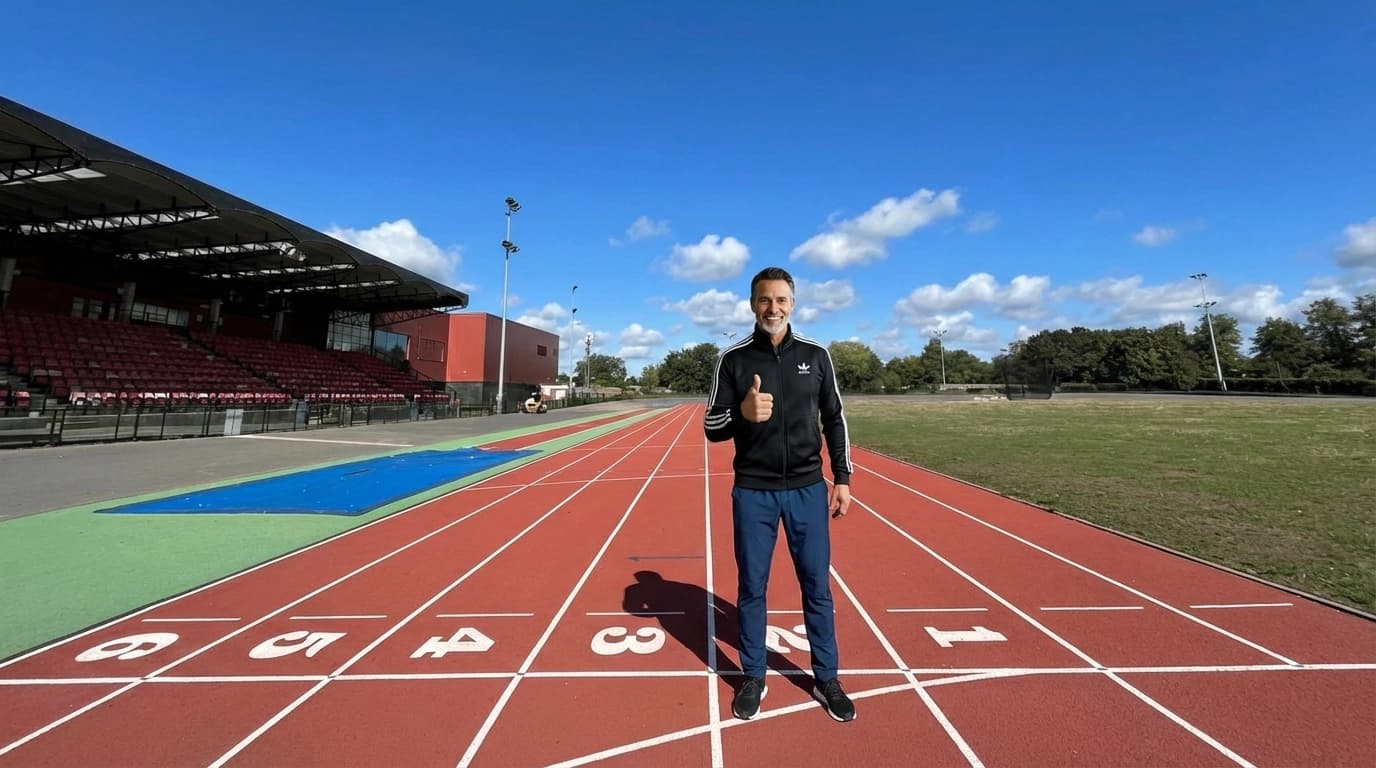
All-in-one workflow
Combine products, models, and backgrounds in a single interface. No switching between tools.
Minutes, not weeks
Go from concept to finished campaign imagery without the traditional production timeline.
Creative freedom
Experiment with different combinations risk-free. Iterate until every detail is perfect.
Consistent output
AI ensures cohesive lighting, shadows, and integration across all your generated imagery.
Perfect for
Catalog production
Generate consistent imagery across your entire product catalog at scale.
Campaign launches
Create cohesive lookbooks and campaign assets in hours, not weeks.
E-commerce teams
Empower non-designers to produce professional apparel photos.
Marketing agencies
Deliver more creative options to clients without production overhead.
Why we built this
A fashion photoshoot traditionally involves weeks of planning: booking models, scouting locations, coordinating schedules, setting up equipment, and hoping the weather cooperates. It's expensive, time-consuming, and inflexible.
We built the Studio to compress that entire process into minutes. Select your product, choose a model from your library, pick a background, and generate a complete, cohesive photoshoot image. Iterate instantly until it's perfect.
This changes what's possible for fashion brands. Launch campaigns faster, test creative directions without budget risk, and scale your visual content to match your catalog growth. The Studio is your always-available, infinitely flexible production team.
Ready to get started?
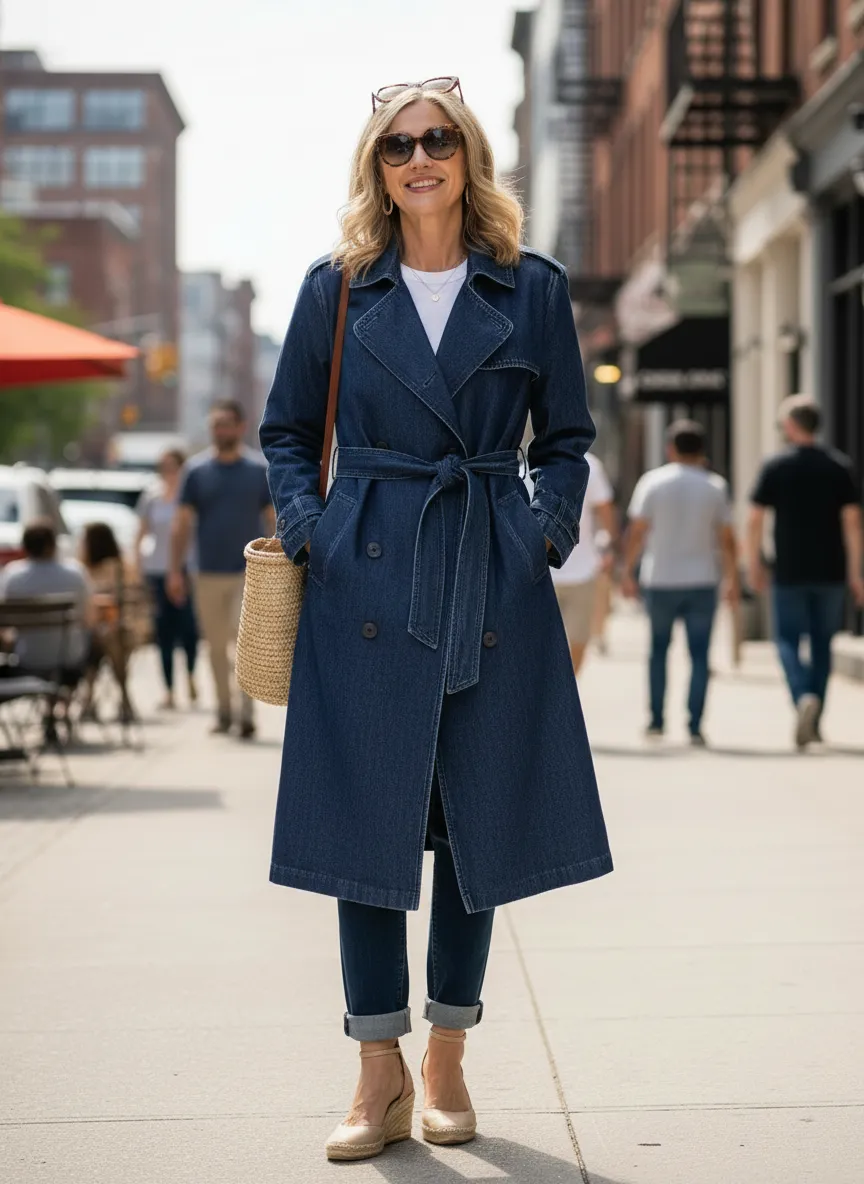
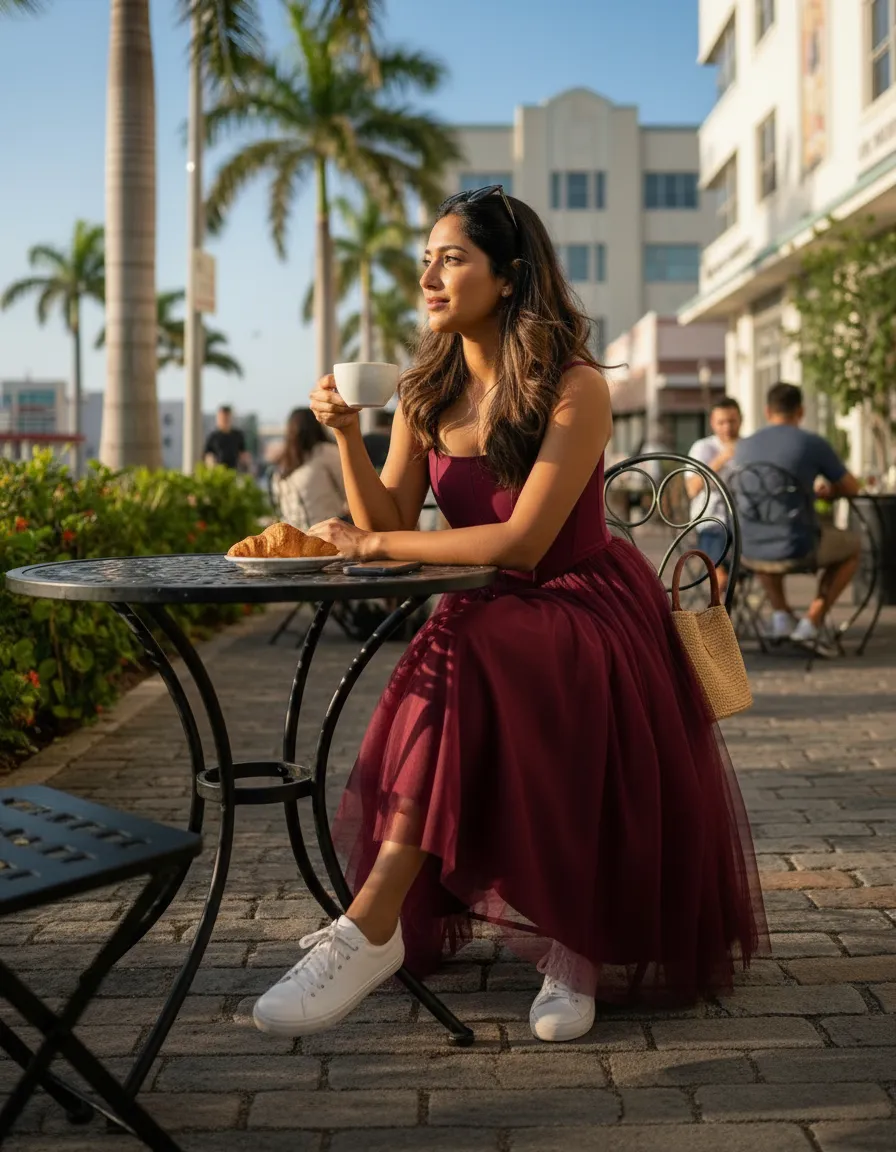
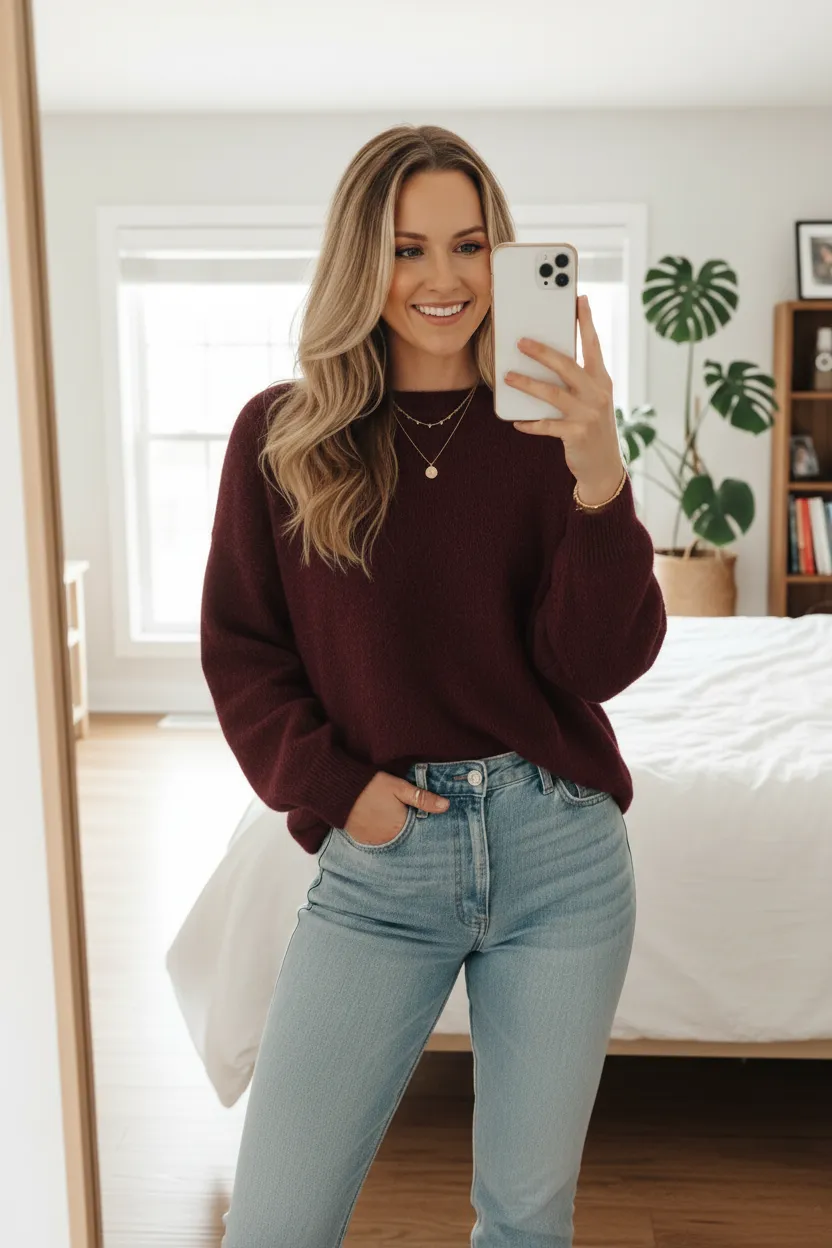
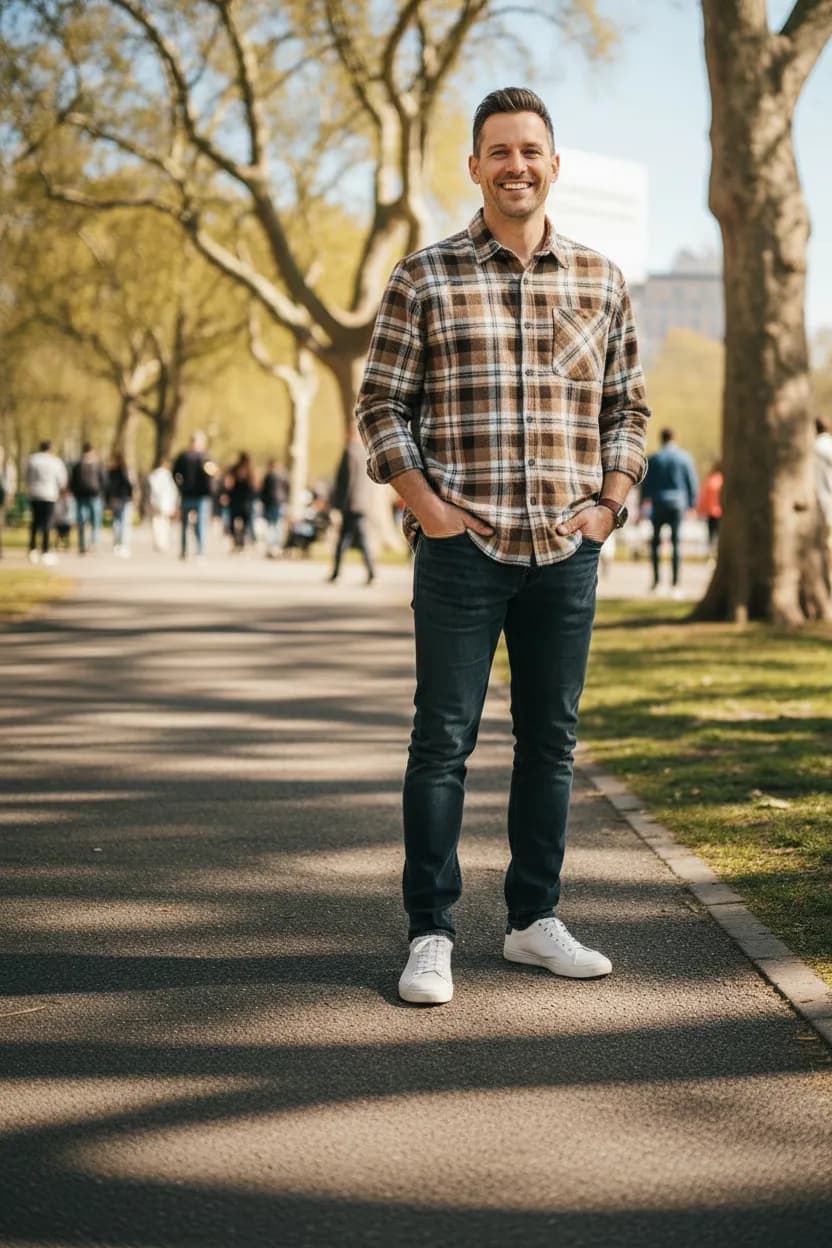
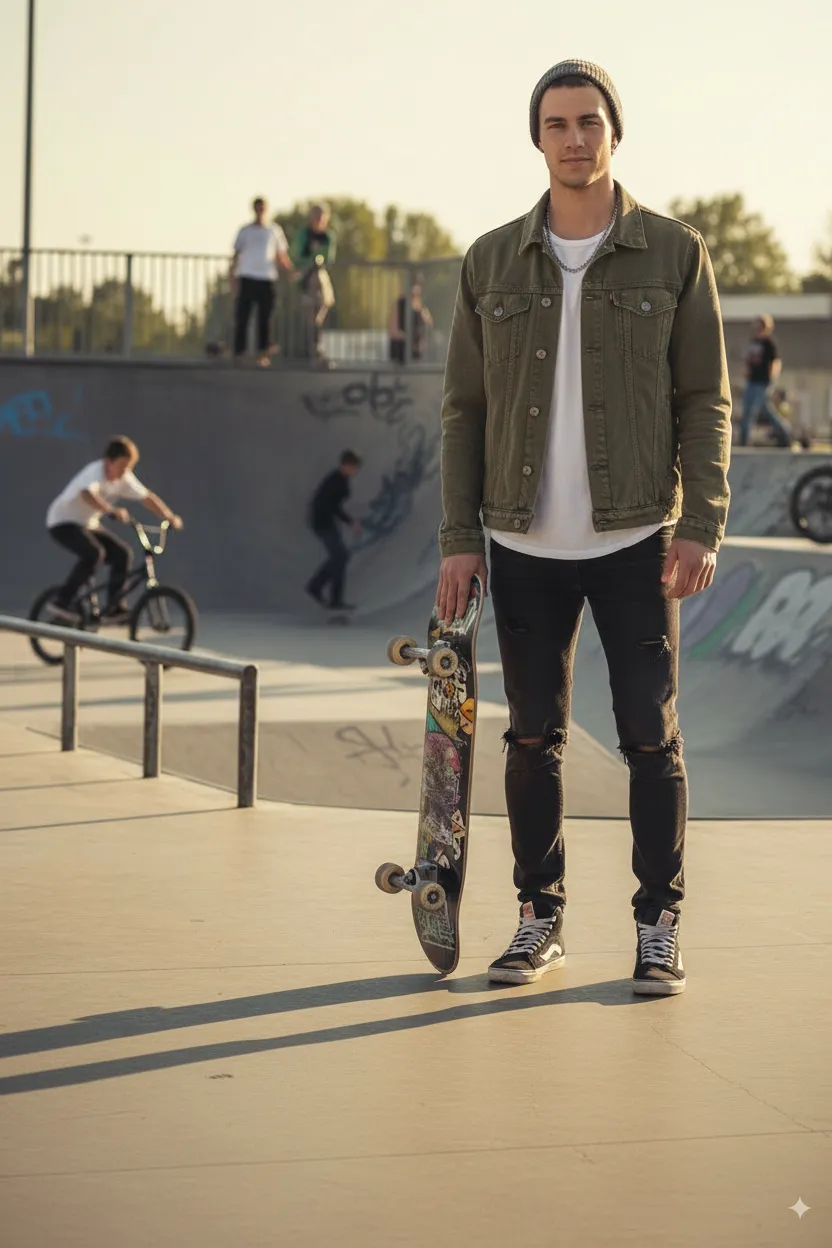
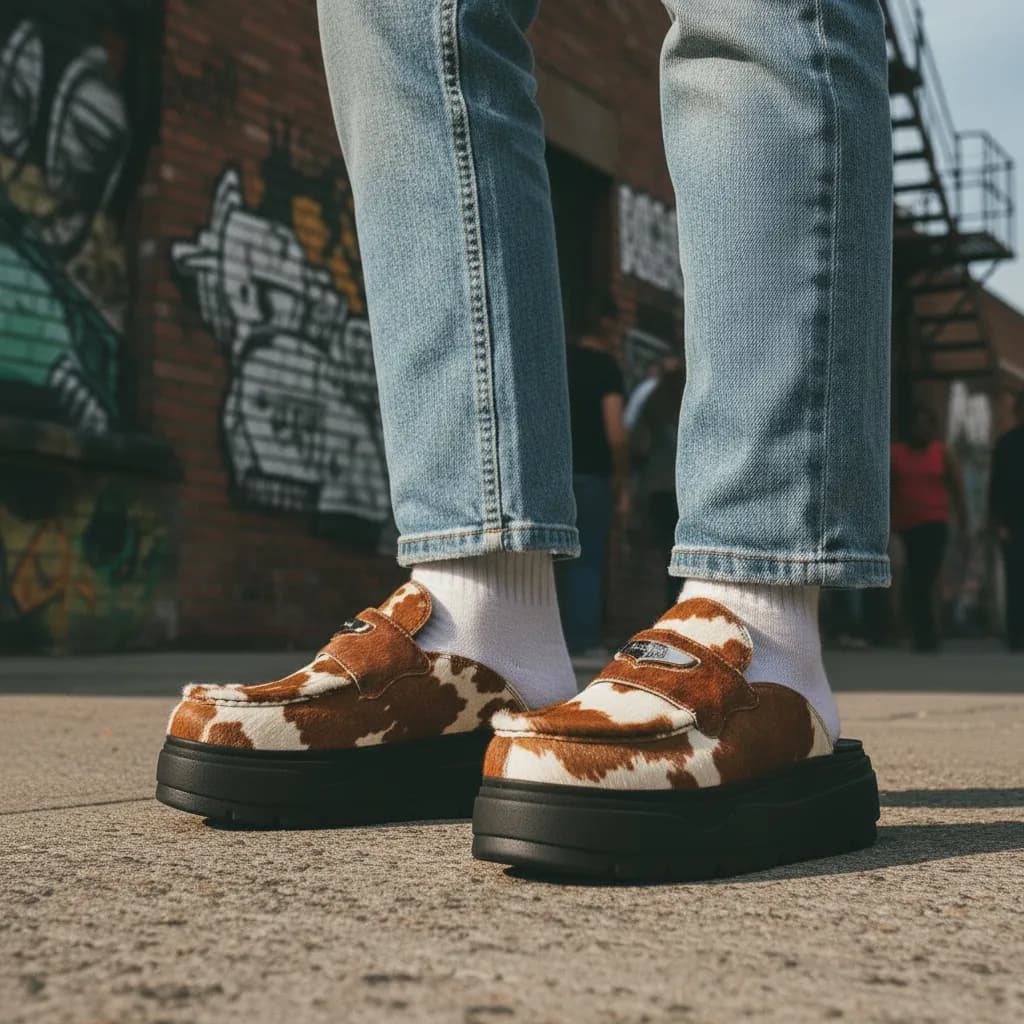
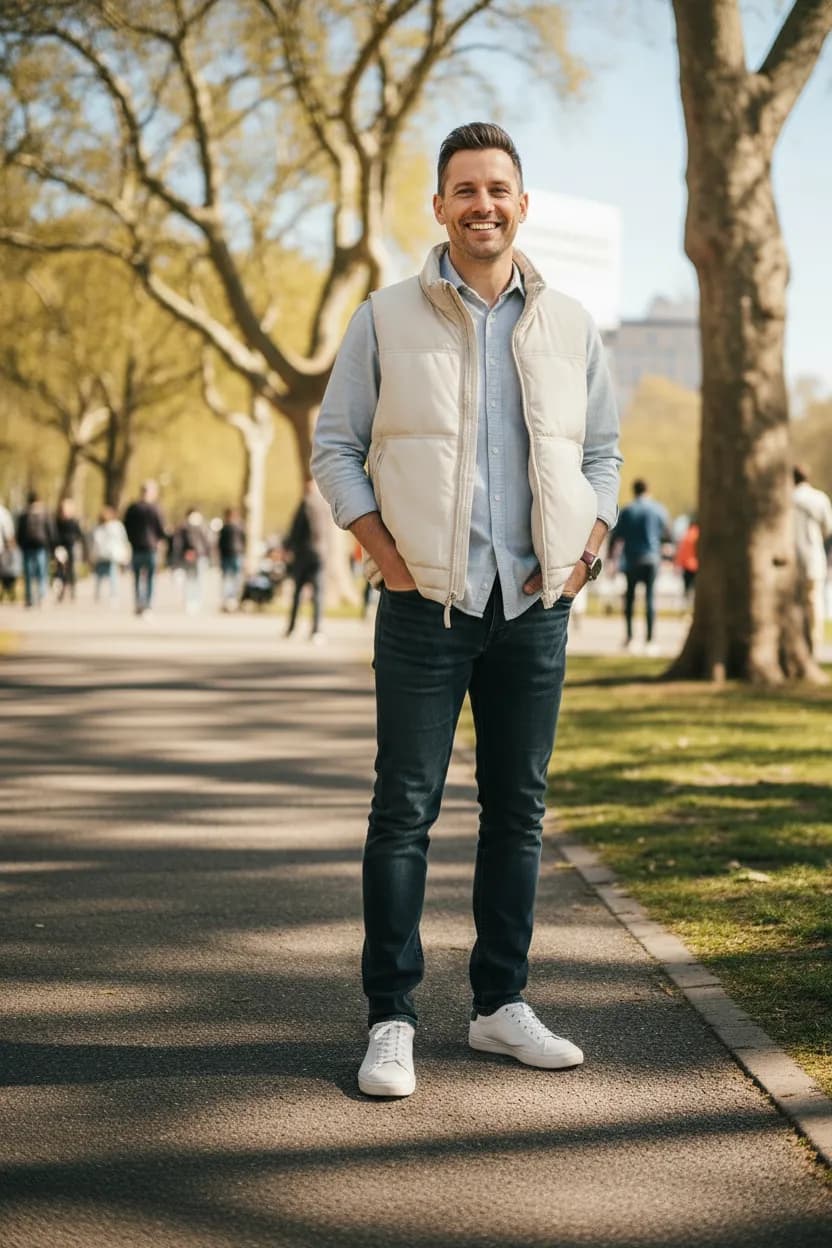
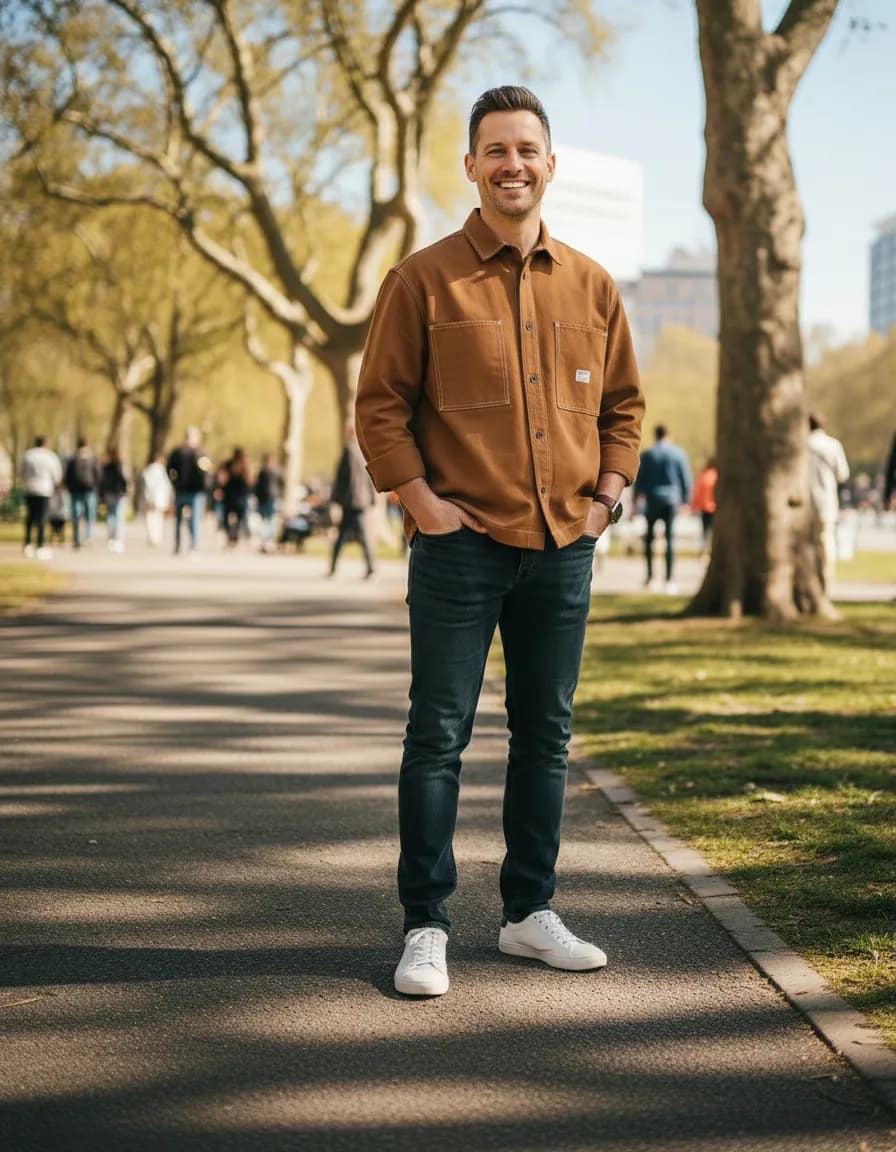
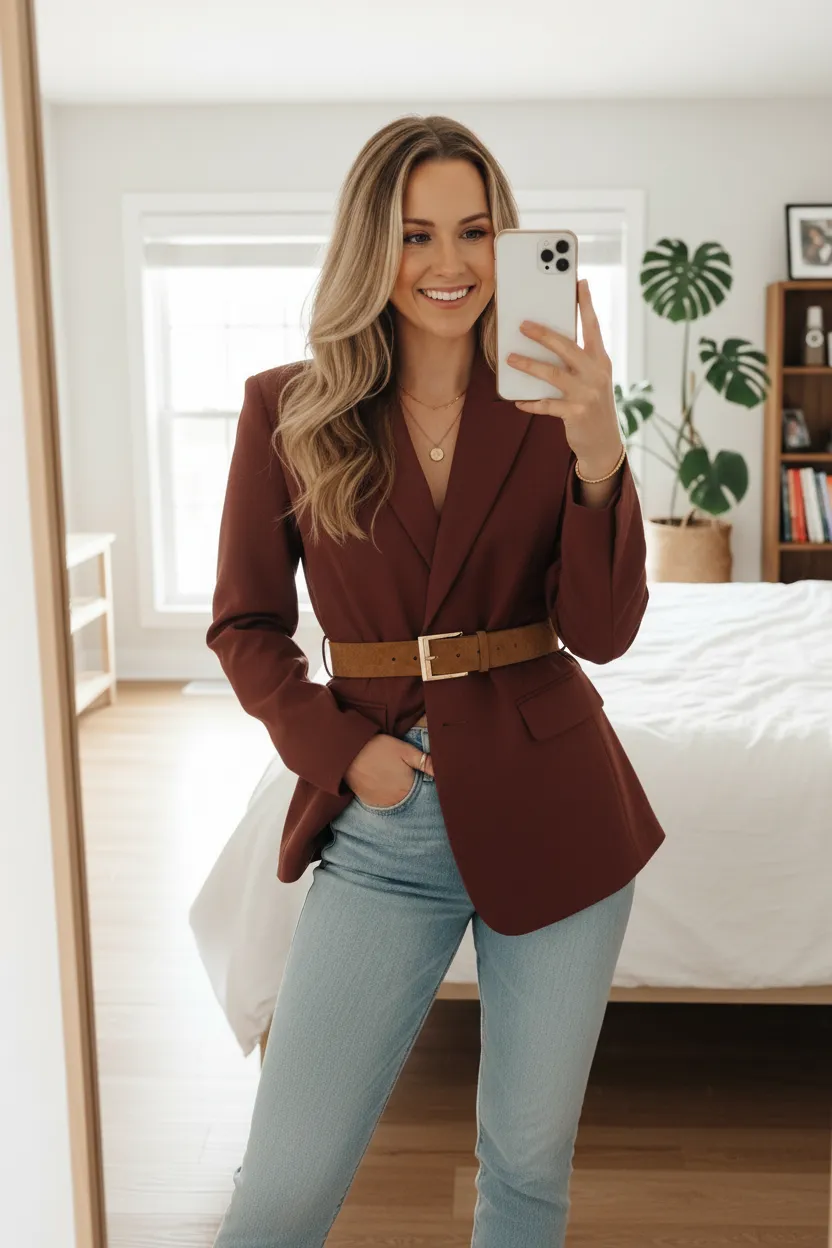
- On-model imagery for your product photos
- Upload your products and create photoshoots in seconds
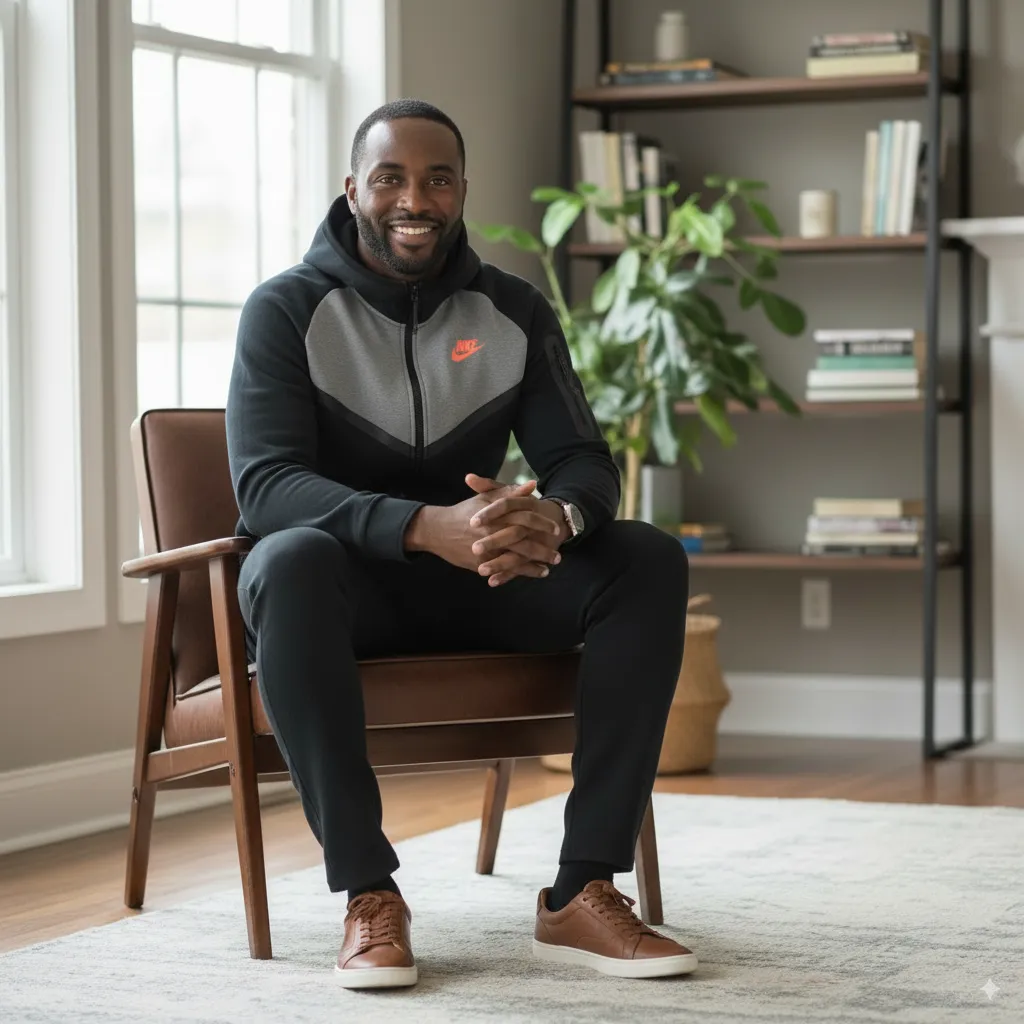
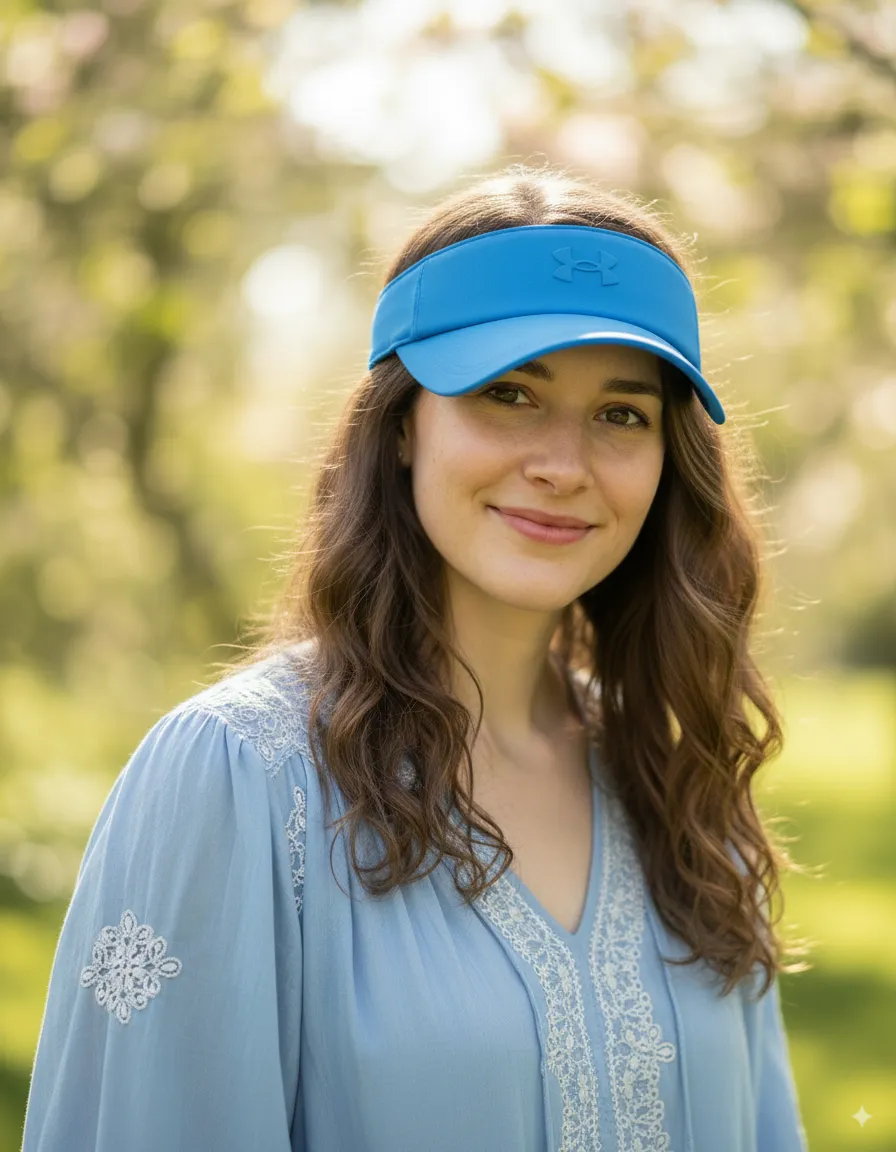
- Generate AI Models for many ages, body types and genders
- Create AI Backgrounds for any scene or setting
- Combine it all in Studio and build complete photoshoots
- Chat to refine any image until it's perfect
Frequently asked questions
How do I create a photoshoot?
+
Start by uploading a product photo or selecting a product from your library. Then choose an AI model (or upload your own). Finally, select or generate a background. The Studio combines these elements into a cohesive photoshoot image that you can refine further.
Can I adjust the composition after generating?
+
Yes! Use our text-based editing to refine any aspect of the generated image. Adjust poses, lighting, colors, or any other detail by describing what you want to change.
How many images can I create per photoshoot?
+
Generate as many variations as you need. Create multiple angles, poses, or styling options from the same base combination. Each generation uses credits from your plan.
Can I create images for different platforms?
+
Yes. When downloading any image, you can choose from platform-specific presets — Instagram Portrait, Instagram Story, Facebook Post, Pinterest Pin, LinkedIn, TikTok, and more — along with your preferred file format (JPEG, PNG, or WebP). The image is resized and cropped automatically.